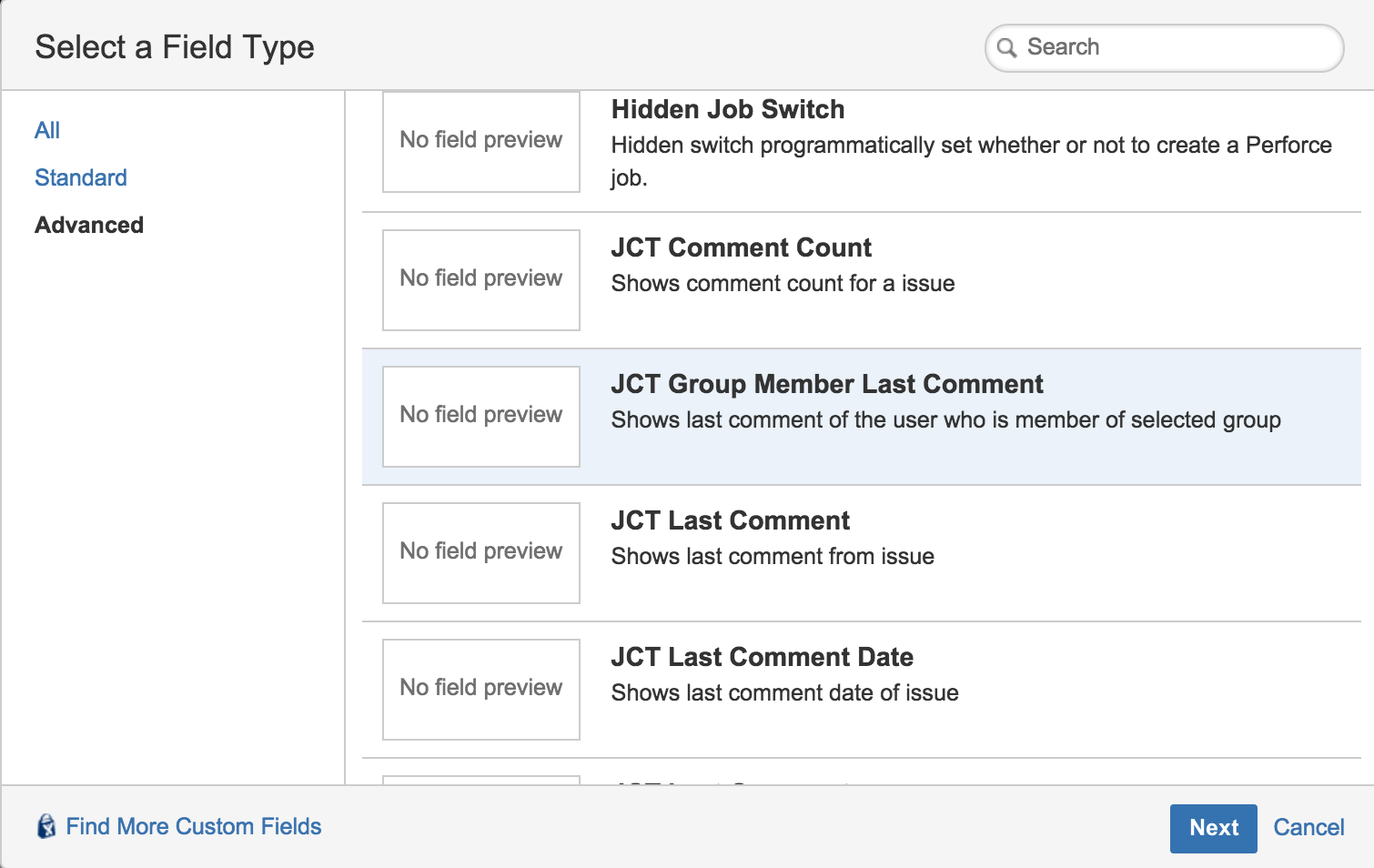
1. Select "JCT
Group Member Last Comment" Custom Field from Advanced Tab of the Custom Fields Dialog
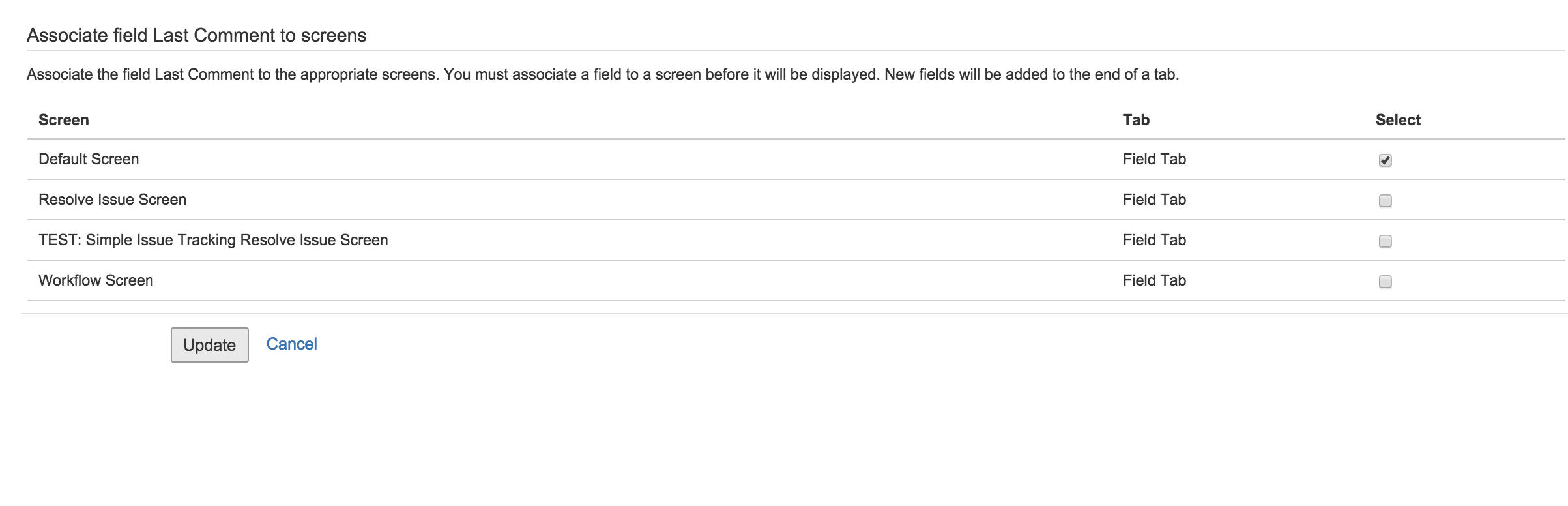
2. Select screen which field is added
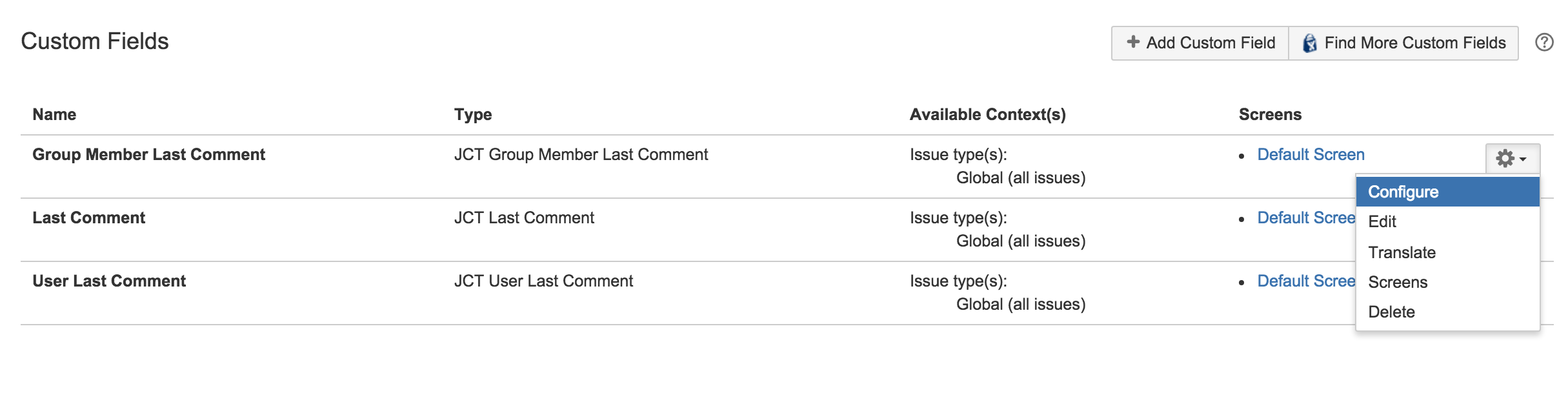
3. Select configure field form Custom Field
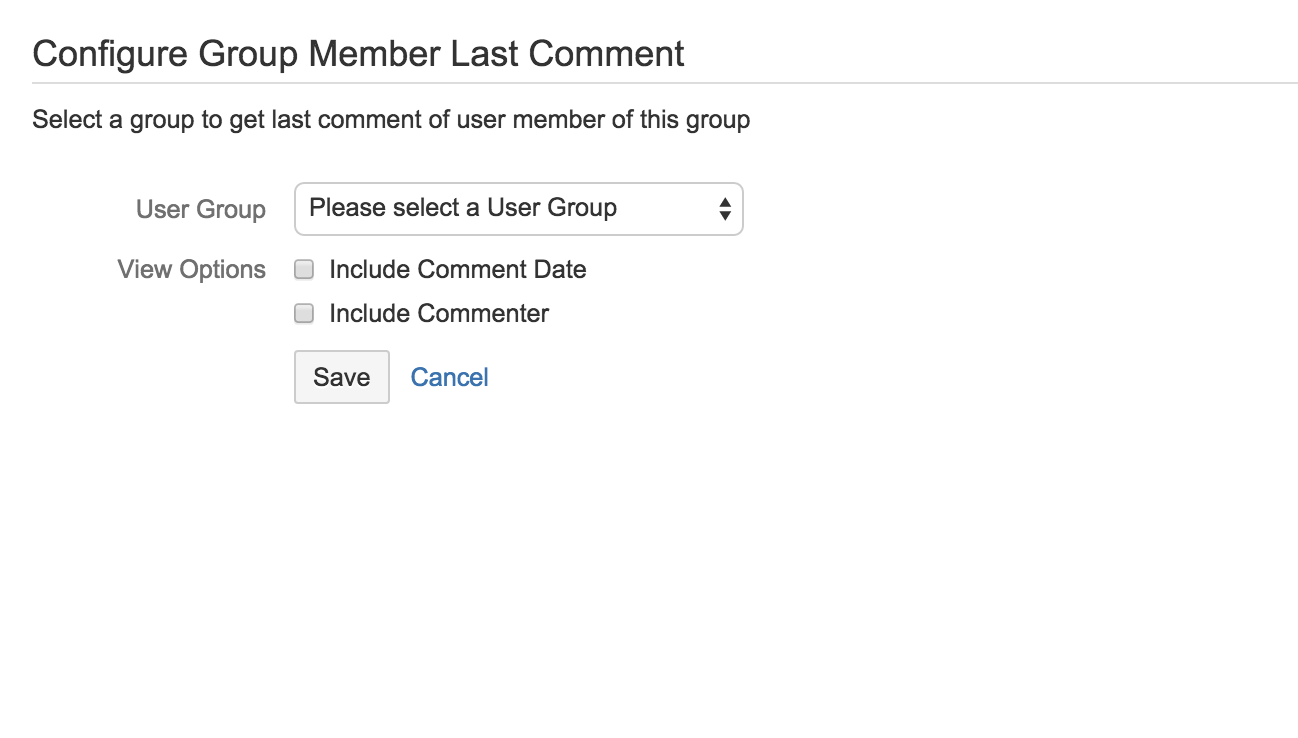
4. Click "Edit Field Options" of the custom field to configure options
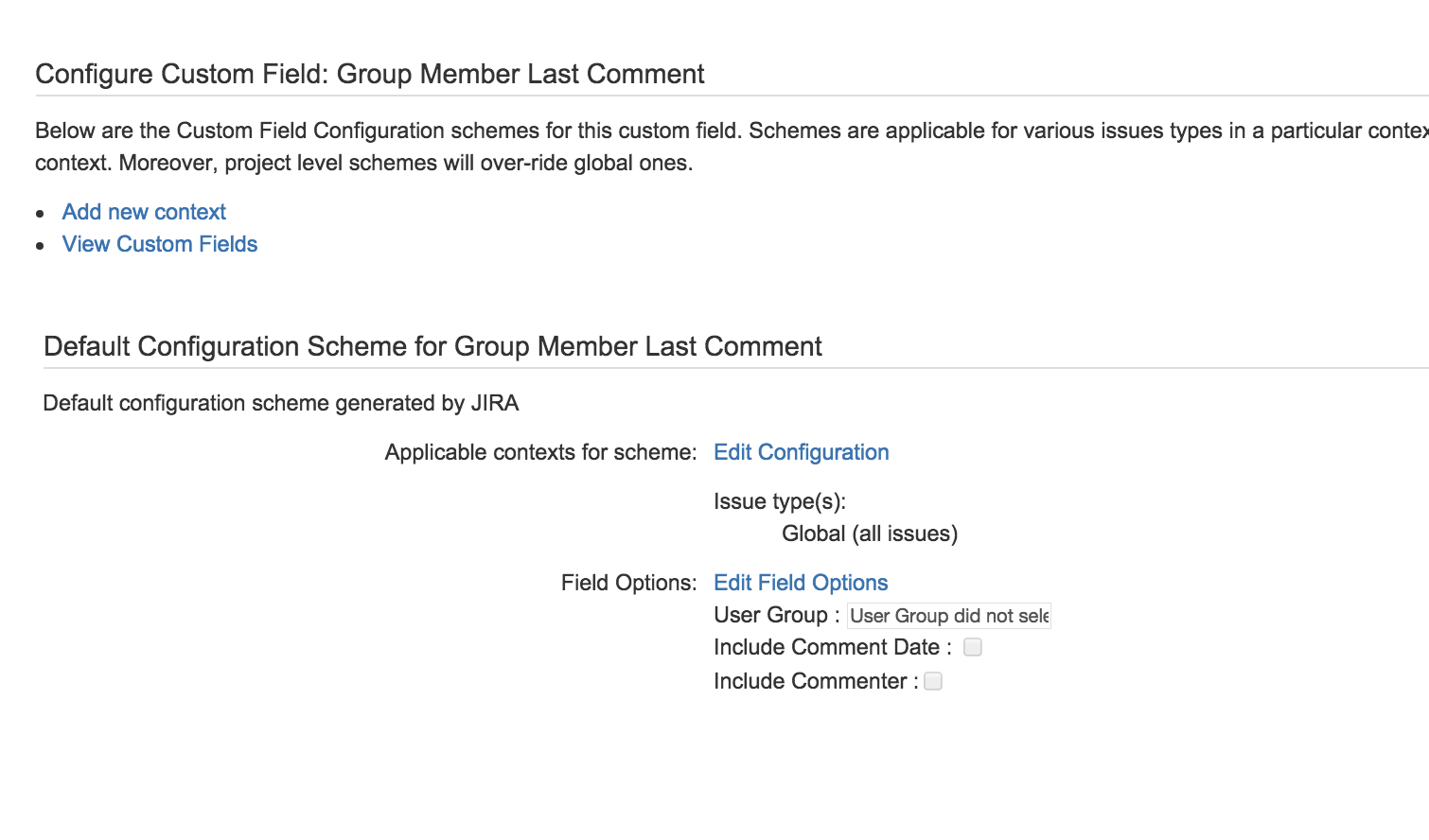
5. Edit Options of the custom field
|
Options |
Description |
|---|---|
|
Group |
Select group wanted to see last comment of this group member |
|
Include Comment Date |
Select this option to see created date of this comment |
|
Include Commenter |
Select this option to see creater of this comment |