-
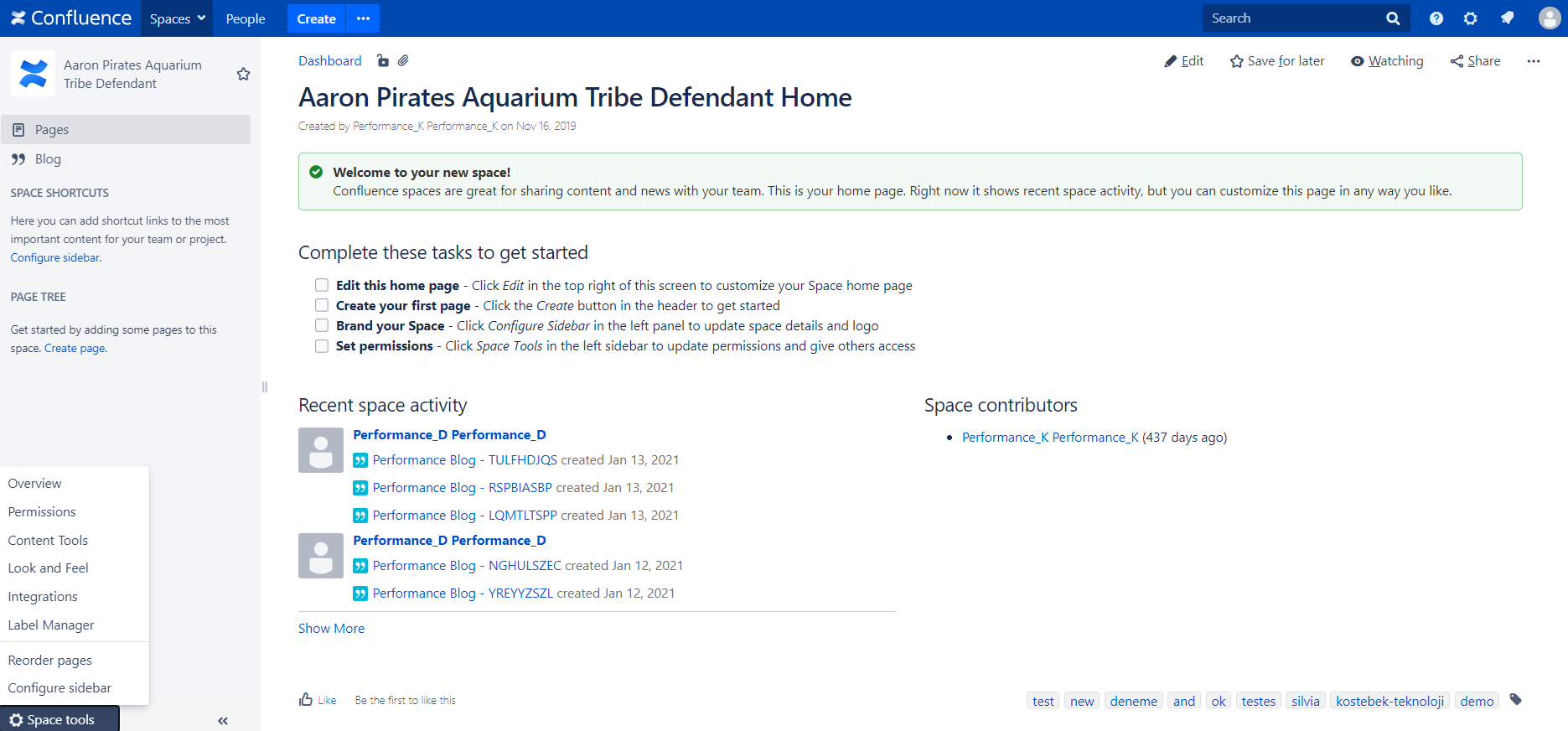
Select Label Manager from Space Tools menu
-
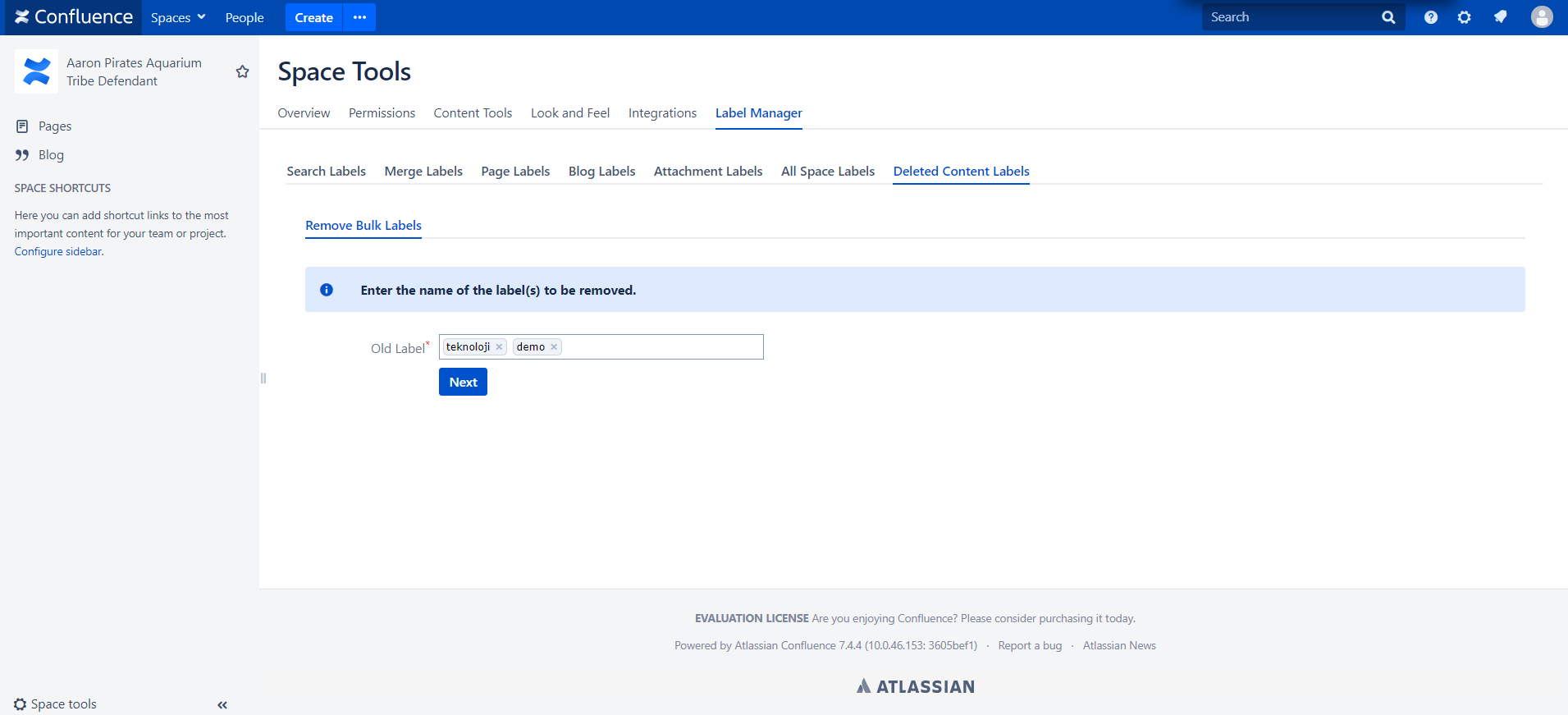
Click Remove Bulk Labels button from Deleted Contents Label Operations tab and enter the name of the label(s) to be deleted.
-
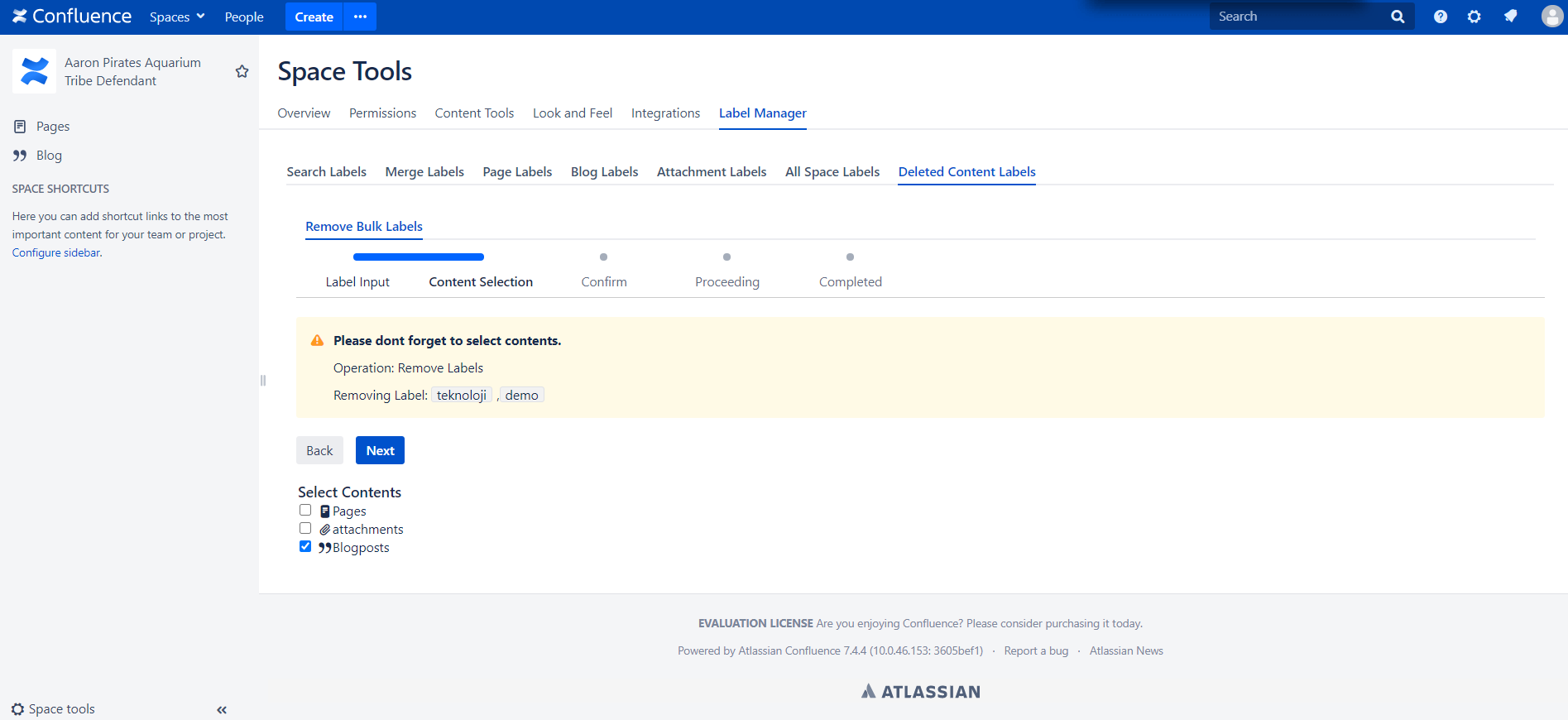
Choose the content types to Deleted Content Labels.
-
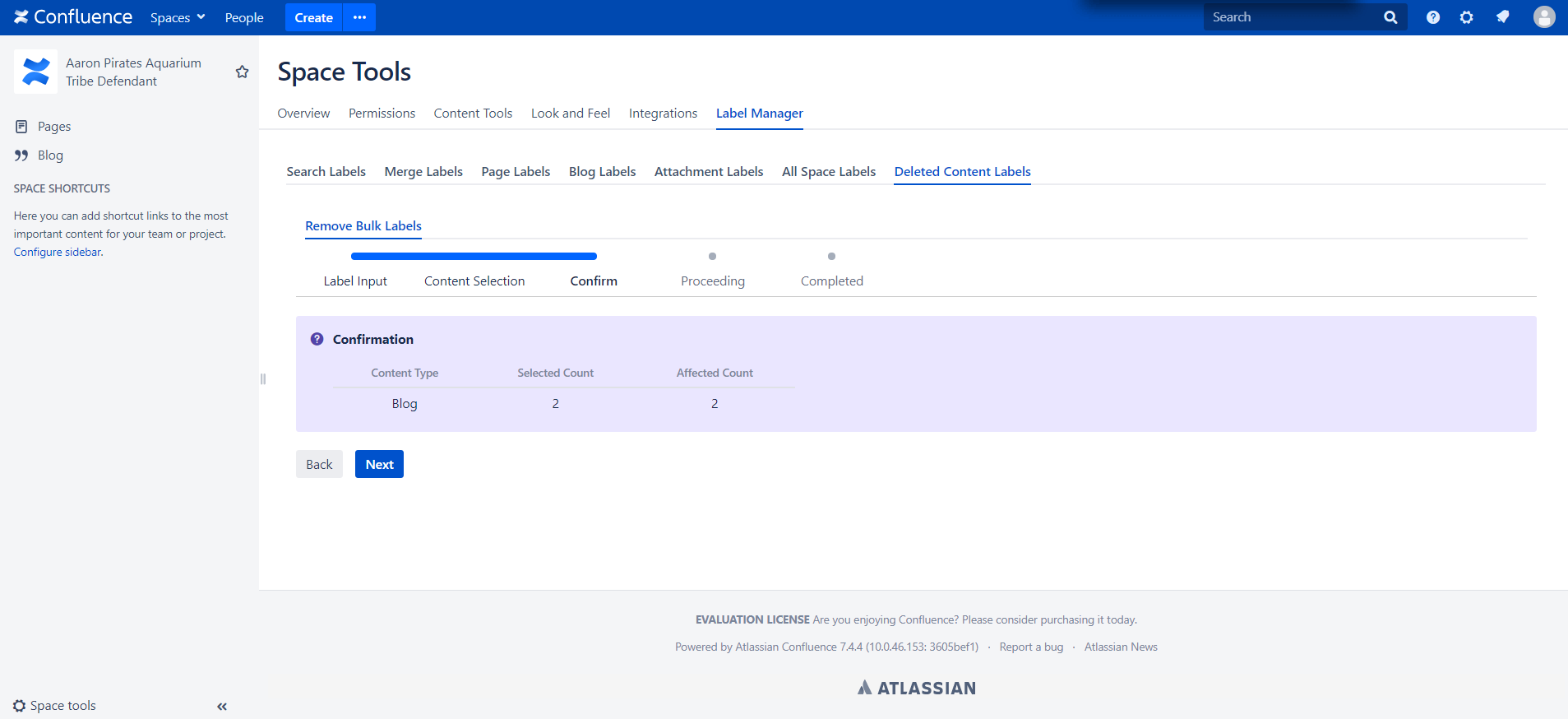
A confirmation screen will be displayed on the following step. Click next to continue.
-
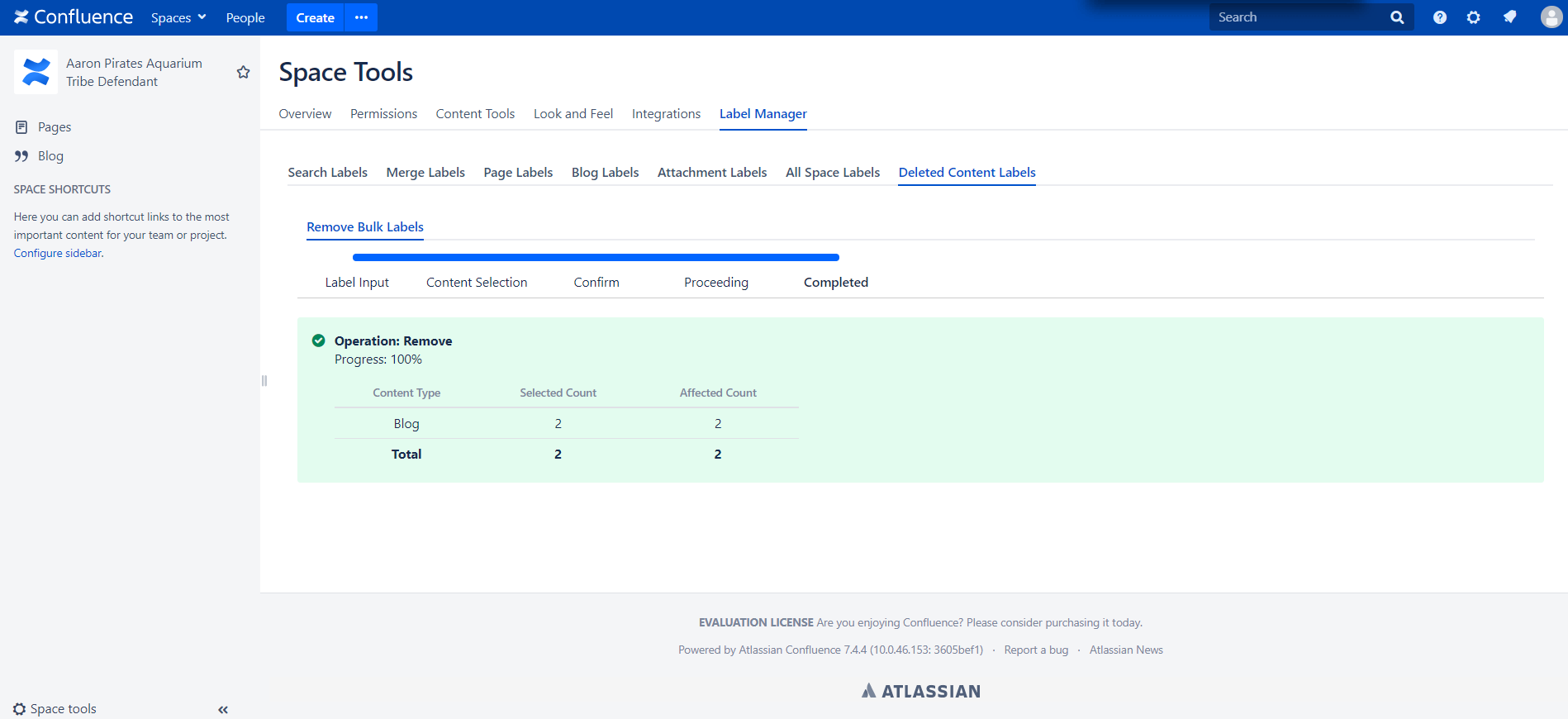
After removed and process completed a success message will be displayed.