-
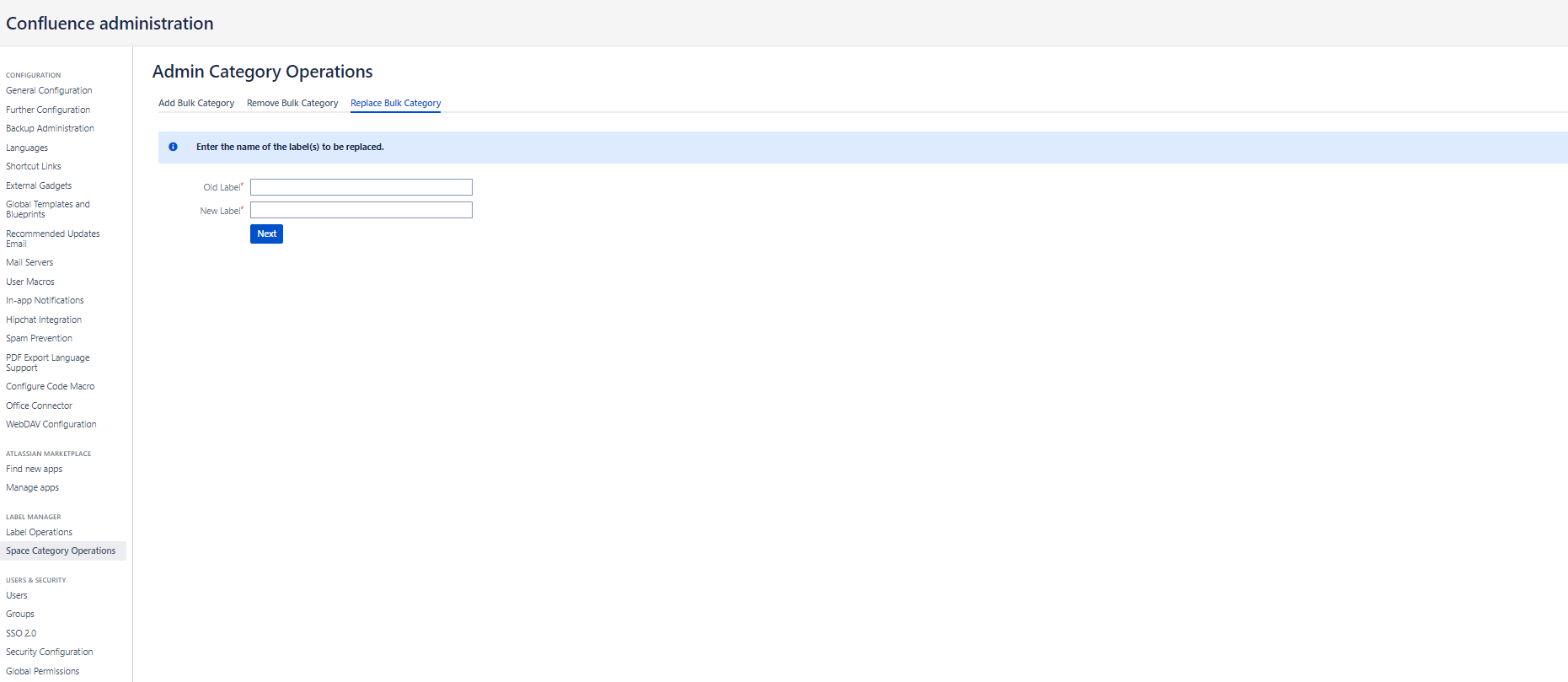
Select Space Category Operations from the left-hand sidebar menu Label Manager at Confluence Administration.
-
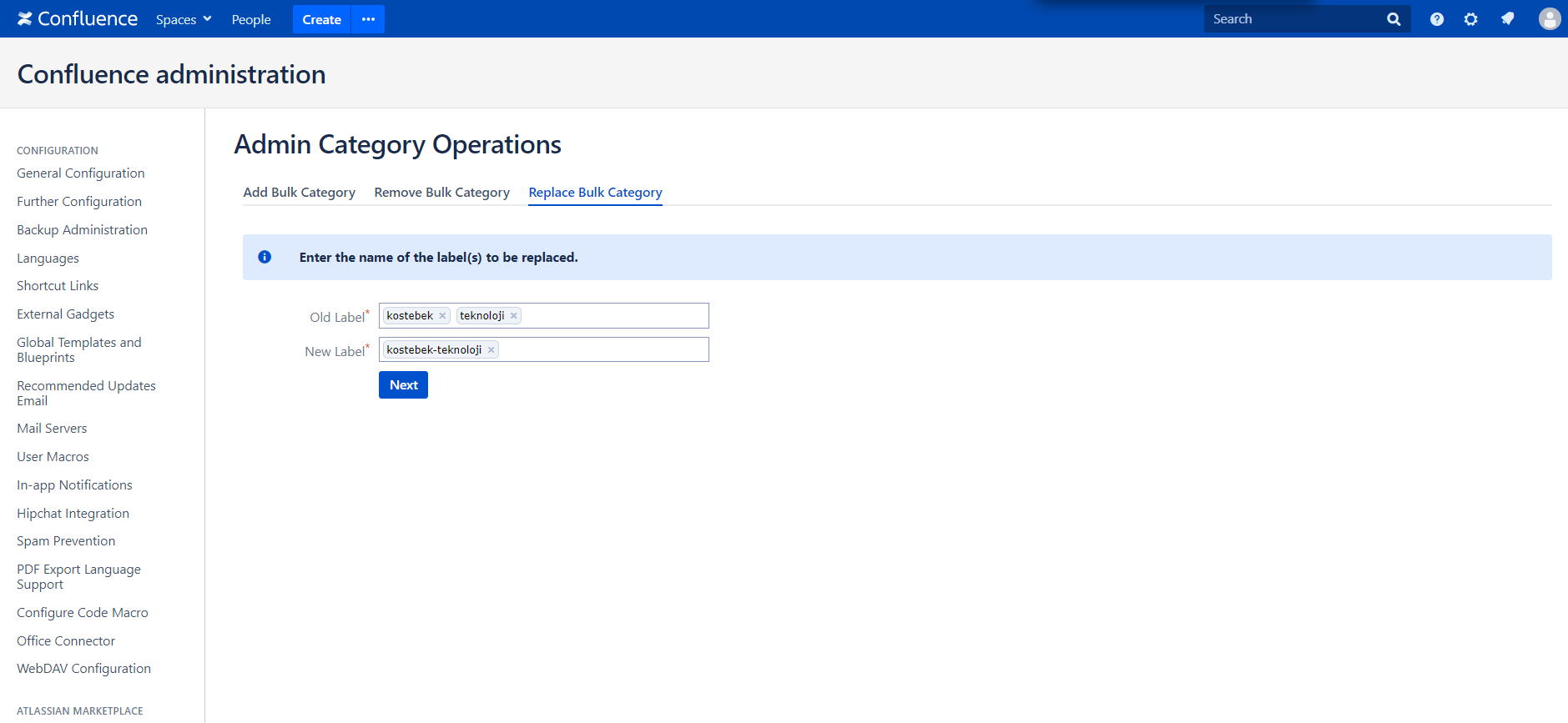
Click Replace Bulk Category tab from Admin Category Operations screen and enter the label(s) to be replaced.
-
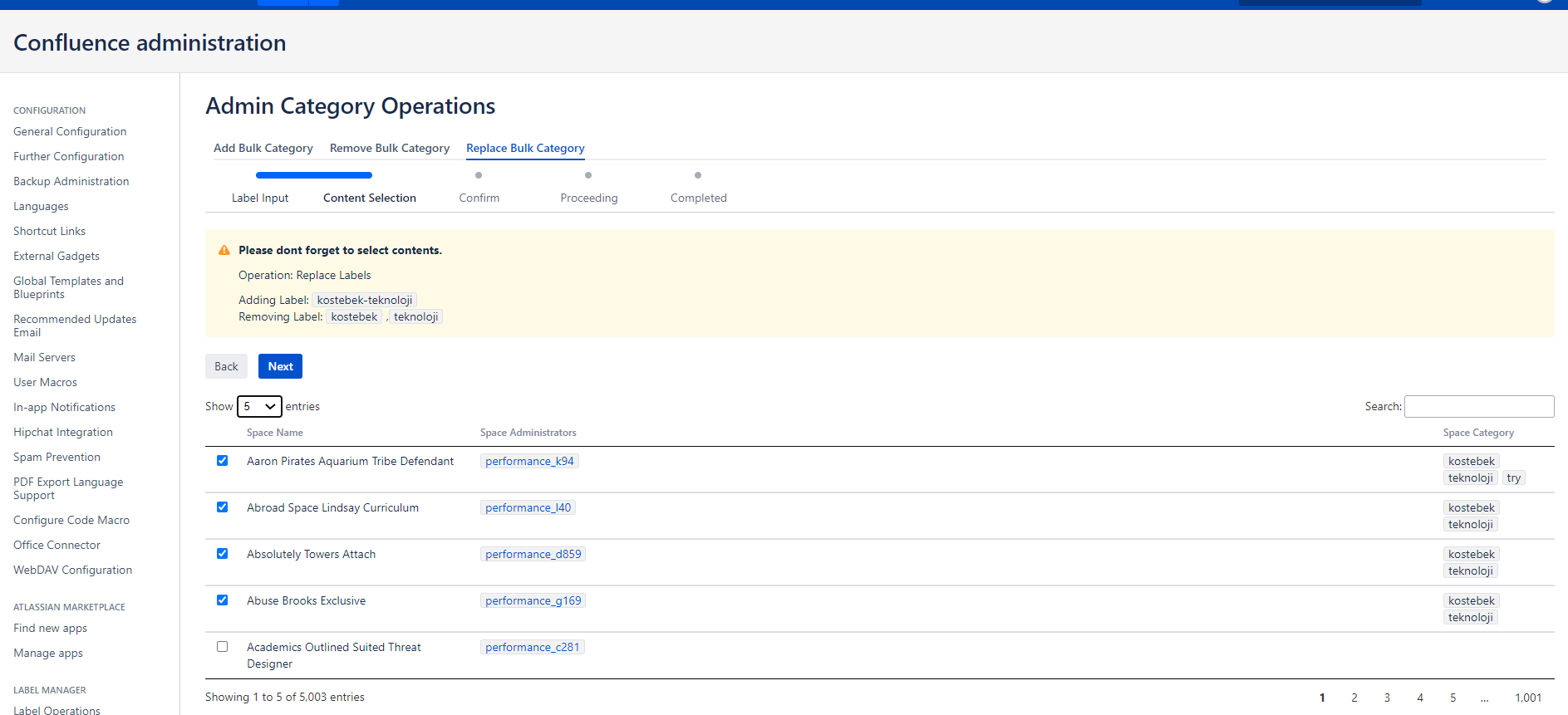
Select spaces to Replace Bulk Categories.
-
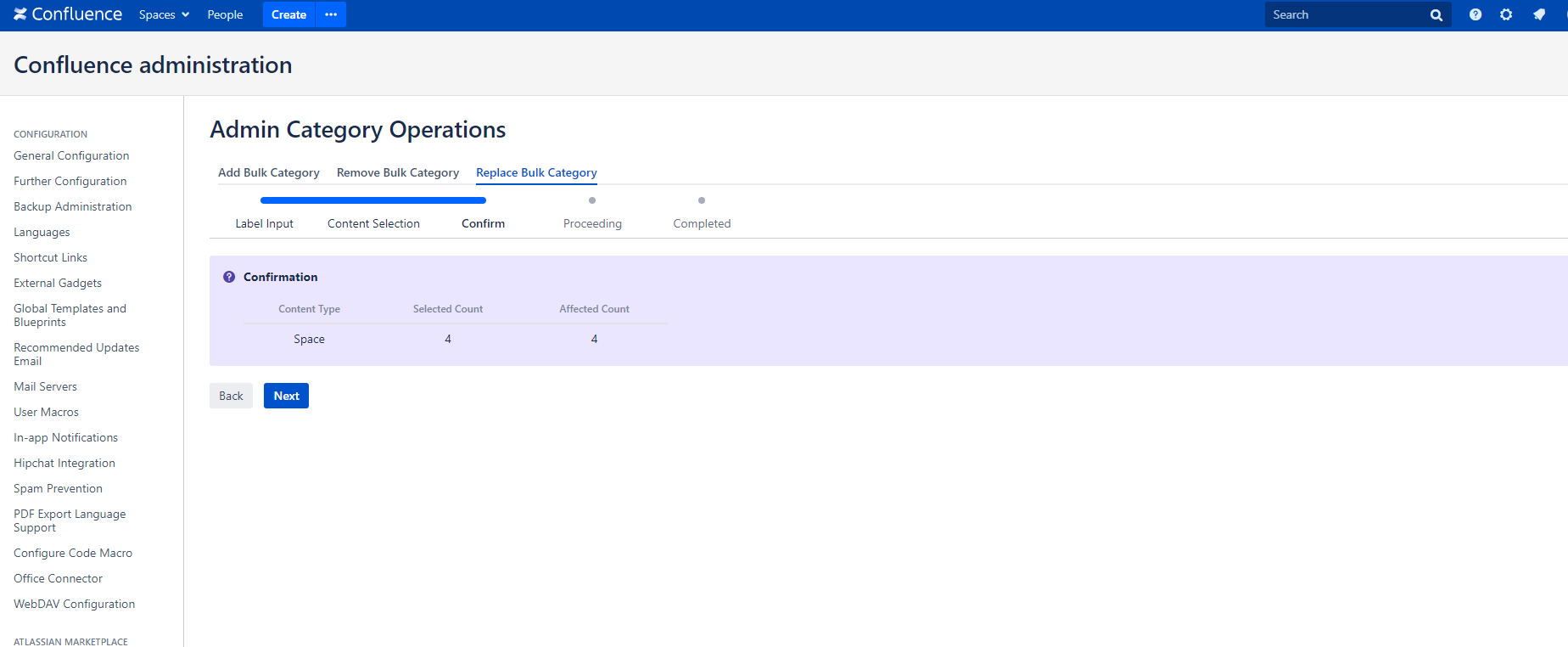
A confirmation screen will be displayed on the following step. Click next to continue.
-
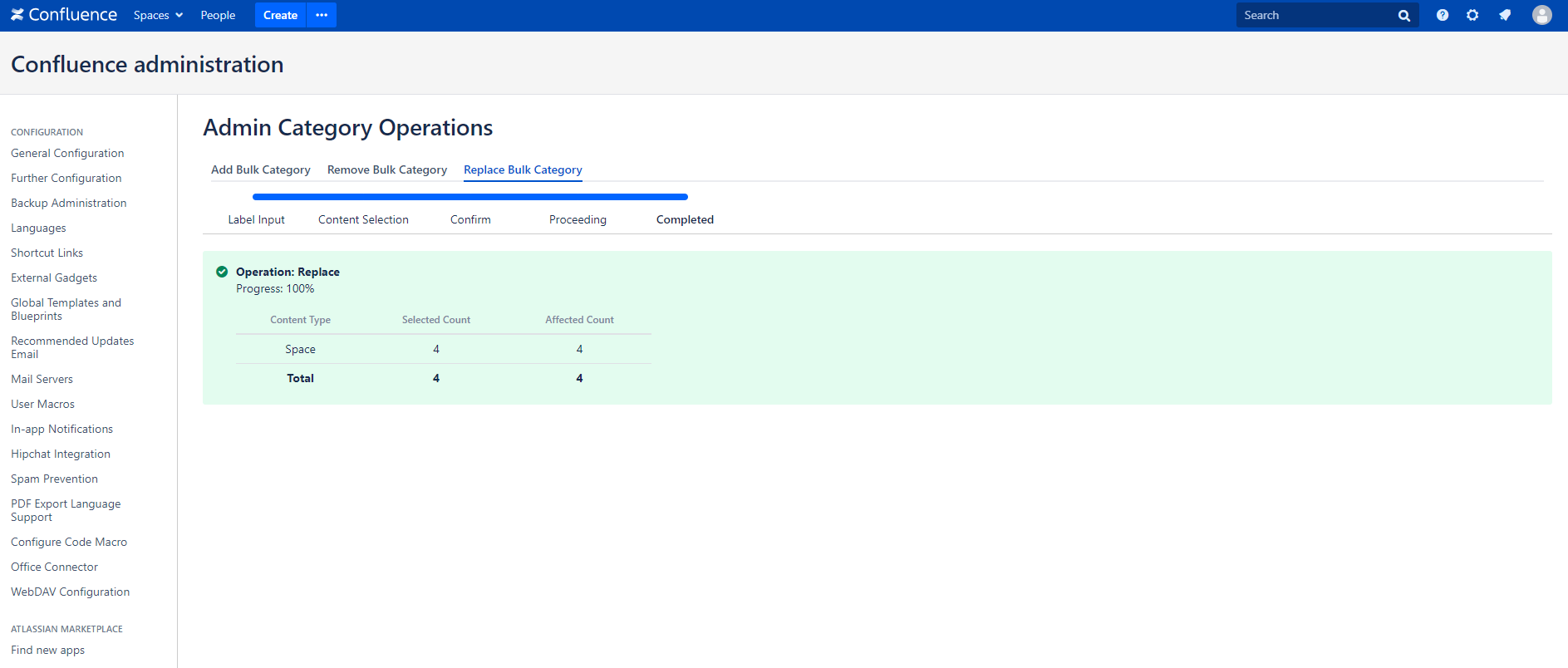
After replaced and process completed a success message will be displayed.