
JCT First Comment Date advanced filter shows that first comment date of the issue
1.Select JCT First Comment Date custom field from Advanced tab of the custom fields
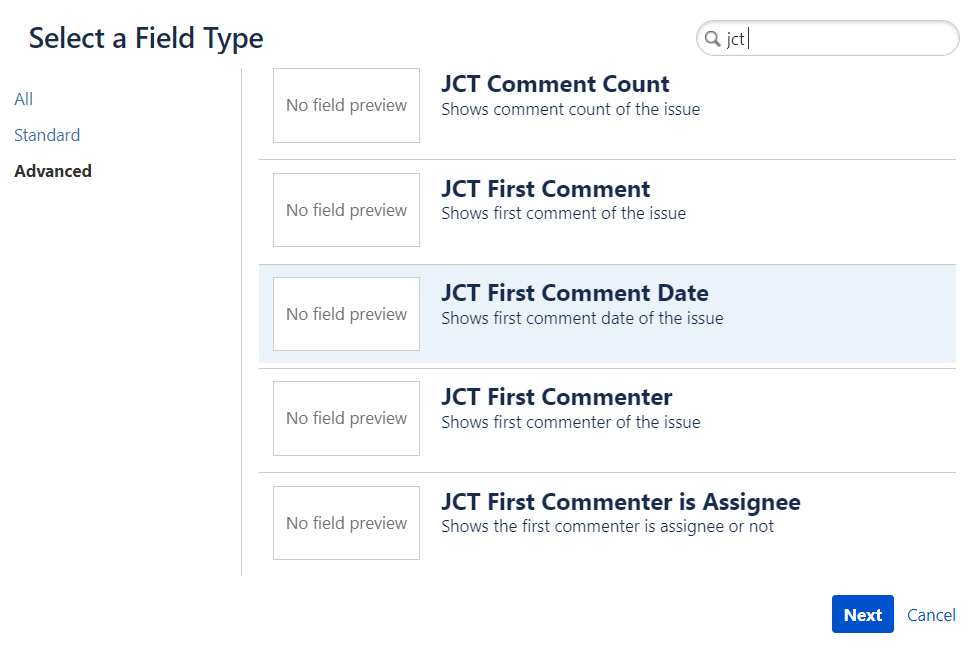
|
2.Enter field name and click button create
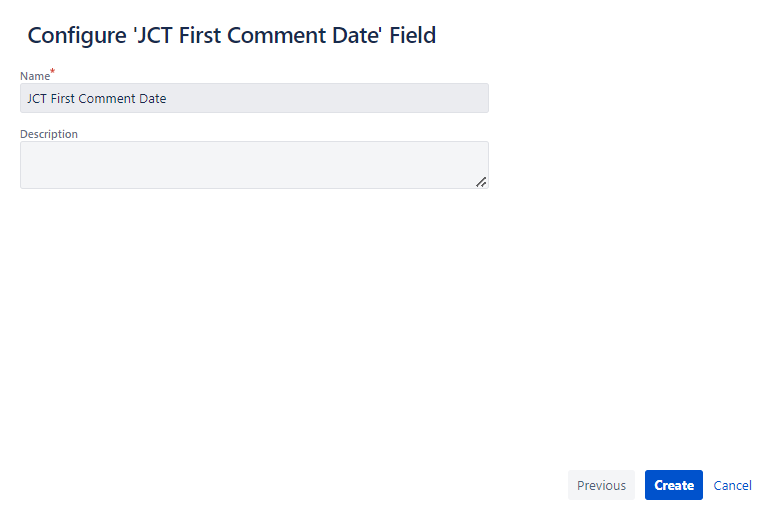
|
3.Select the screen to be added
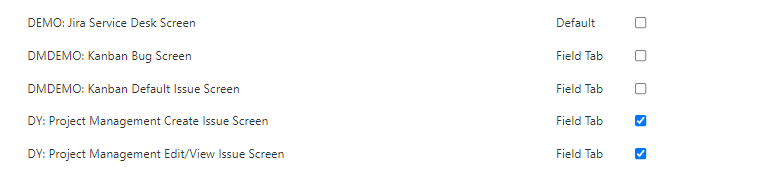
|
4. Below First Comment Date is shown

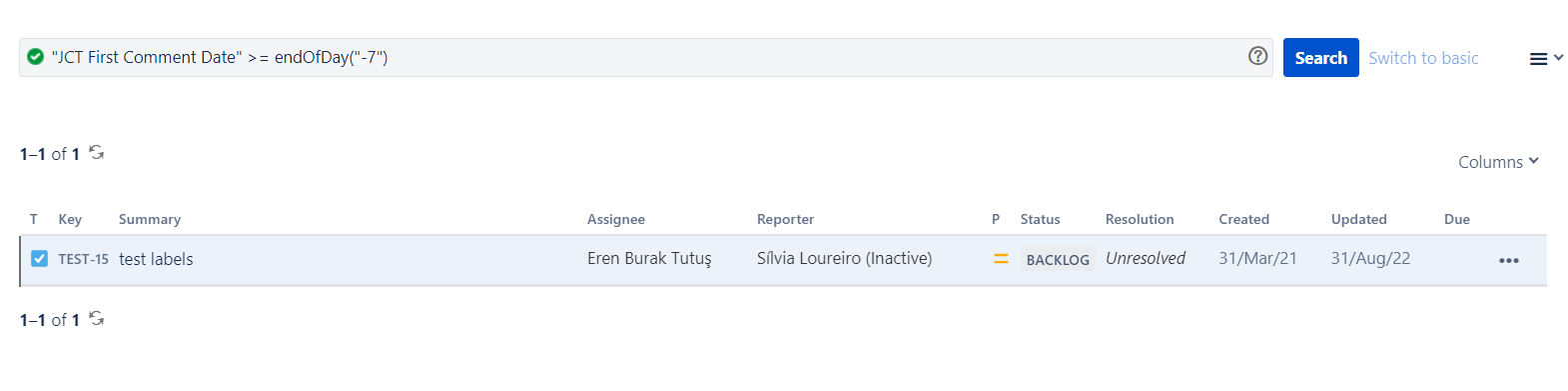
5. From the Filters → Advanced Issue Count a JQL search can be performed
|
Query |
Field Type |
Supported Operators |
|---|---|---|
|
CustomFieldName cf[CustomFieldID] |
Date |
= , != , > , >= , < , <= IS , IS NOT , IN , NOT IN |
|
Supported functions |
|---|
|
When used with the EQUALS, NOT EQUALS, GREATER THAN, GREATER THAN EQUALS, LESS THAN or LESS THAN EQUALS operators, this field supports:
|
|
Example |
|
Find issues that first comment date ''JCT First Comment Date'' > = endOfDay("-7") |