
JCT First Comment advanced filter shows the first comment user of the issue
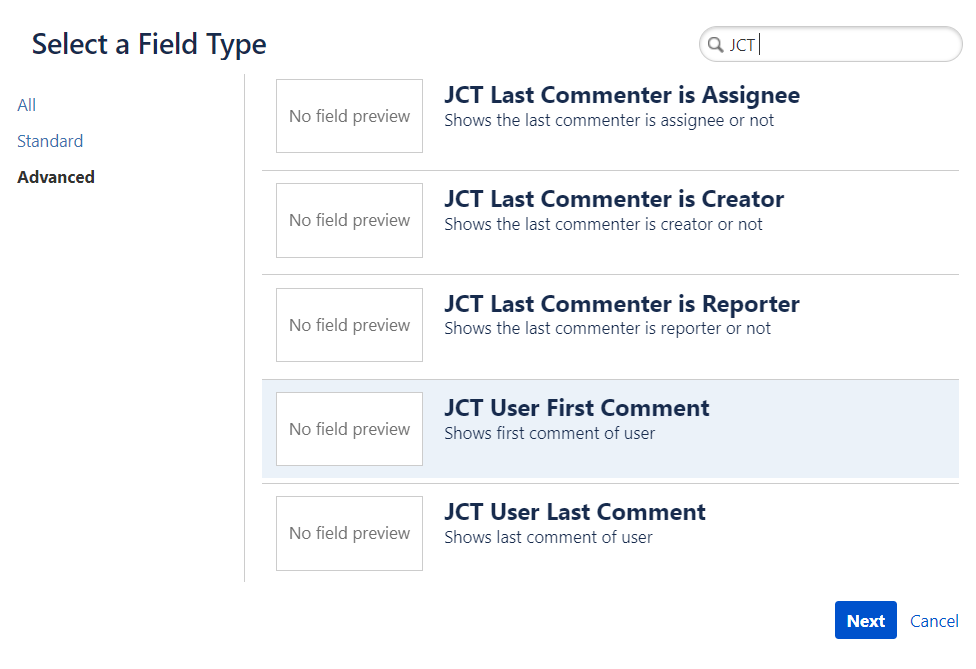
1.Select JCT User First Comment custom field from Advanced tab of the custom fields
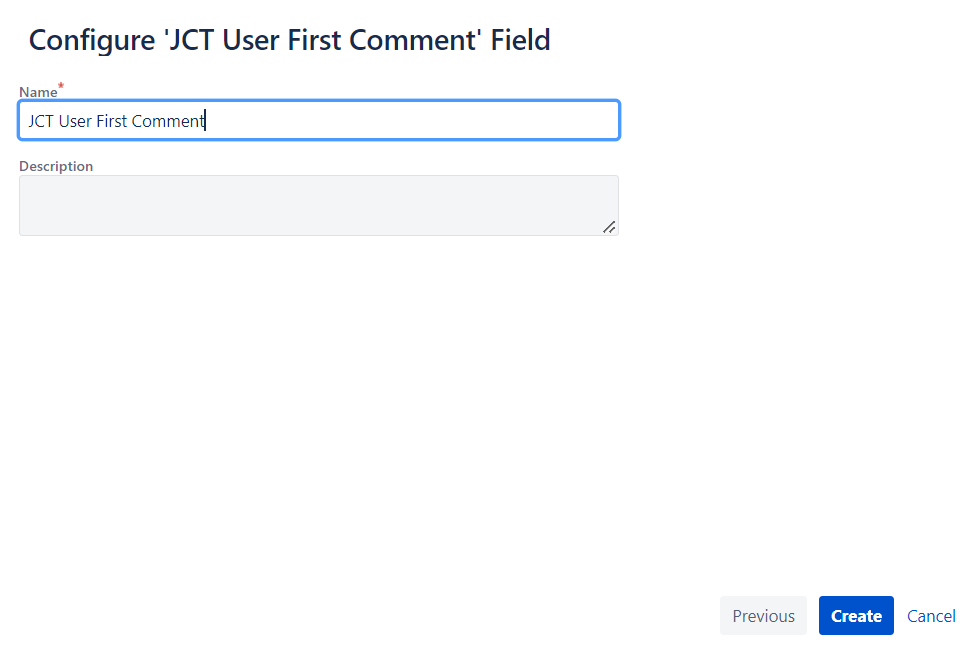
2.Enter field name and click button create
3.Select the screen to be added
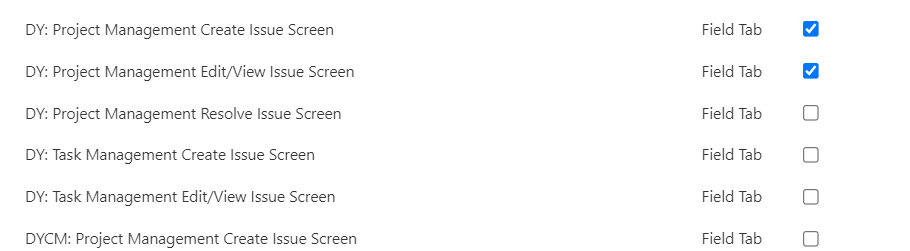
4. Below First Commenter is shown
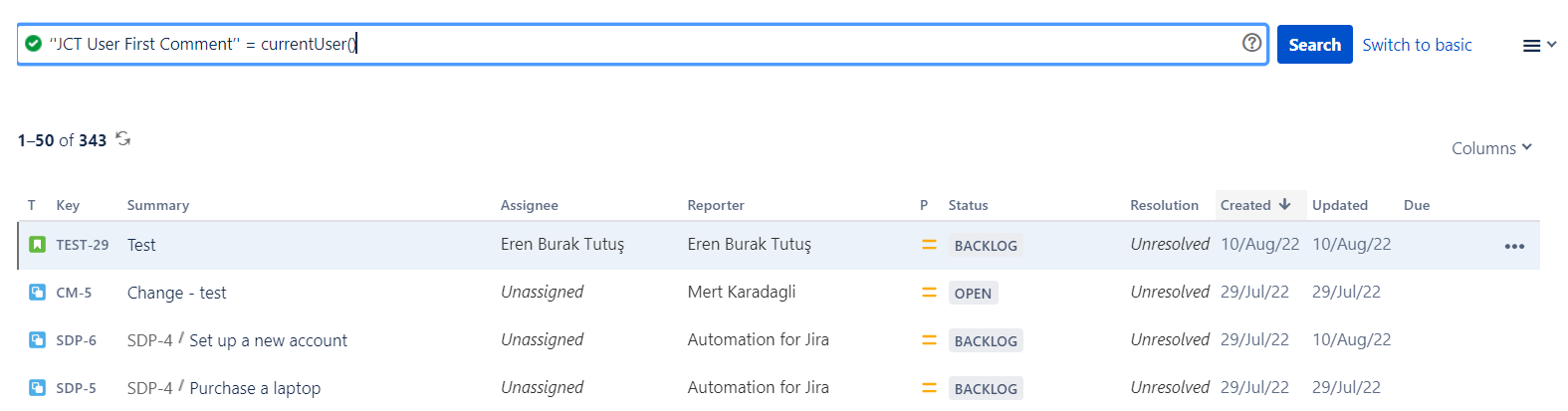
5. From the Filters → Advanced Issue Count a JQL search can be performed
|
Query |
Field Type |
Supported Operators |
|---|---|---|
|
CustomFieldName cf[CustomFieldID] |
String |
= , !=, IS, IS NOT, IN, NOT IN |
|
Supported functions |
|---|
|
None |
|
Example |
|
Find issues that commented first is user ‘'JCT User First Comment’' = currentUser() |