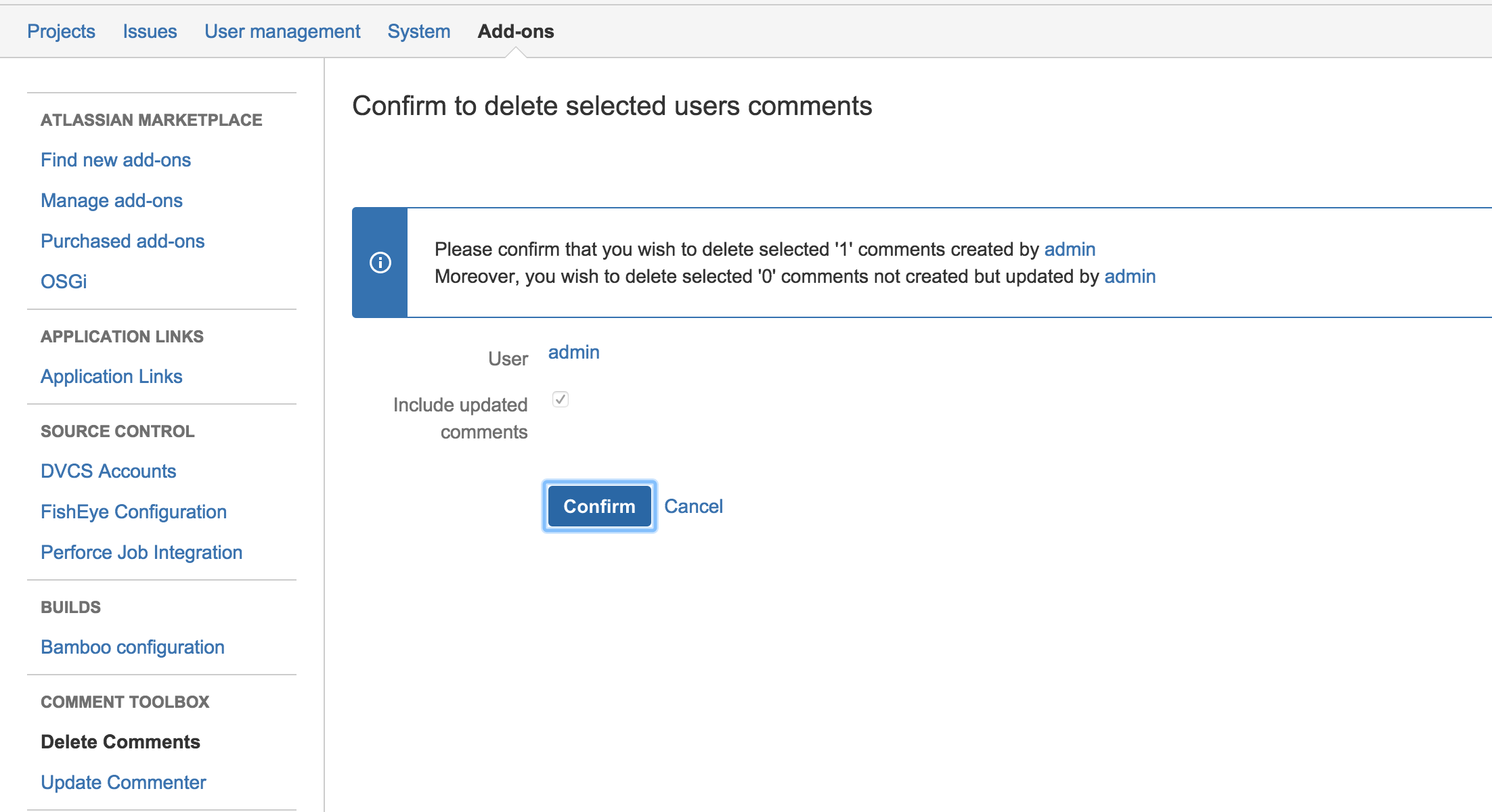
JIRA Administrators can delete all comments of a user and his/her updated comments.
1. Select "Delete Comments" from Administrator → Add-ons → Comment Toolbox Section
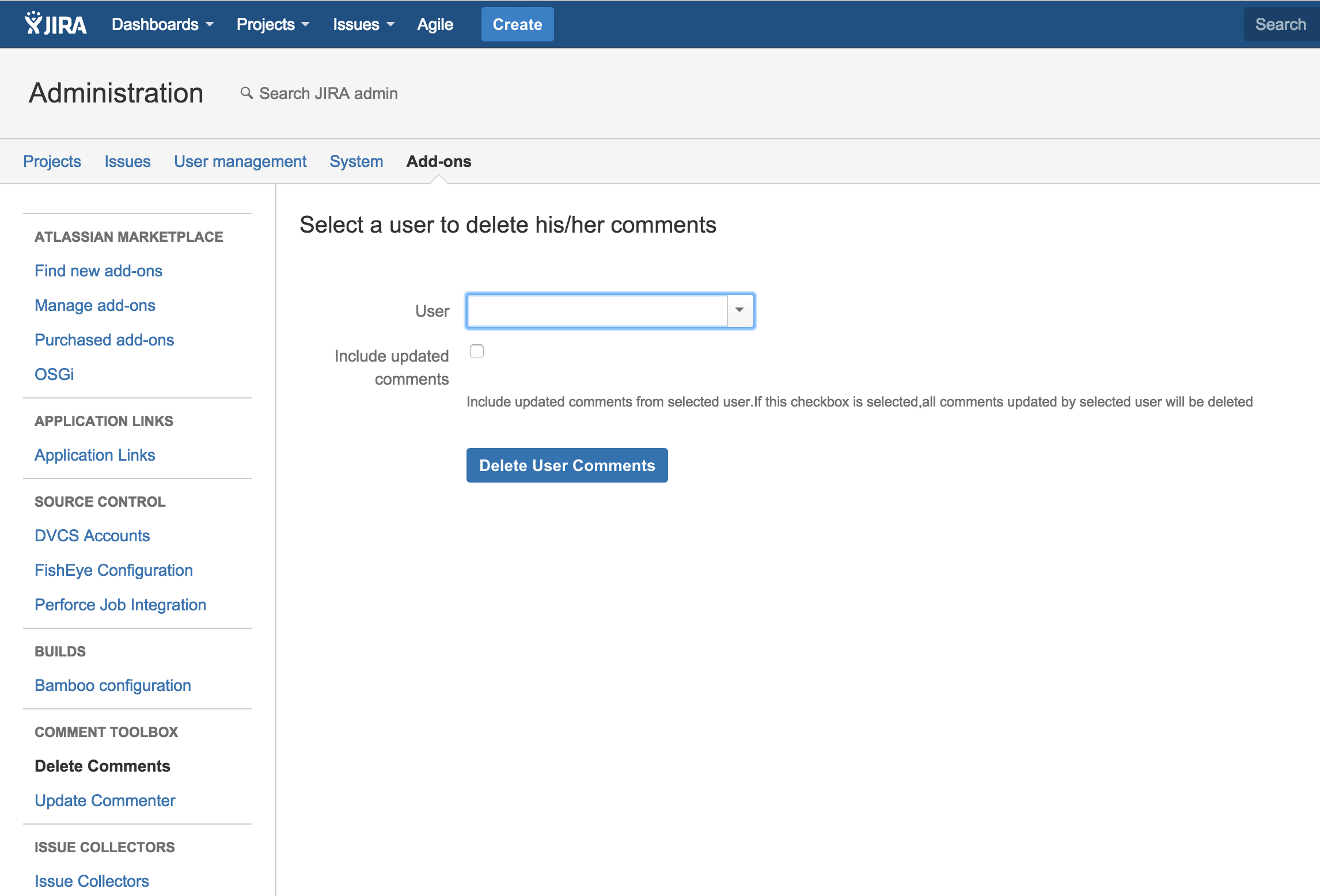
2. Select Delete User Comments to delete selected user's comments
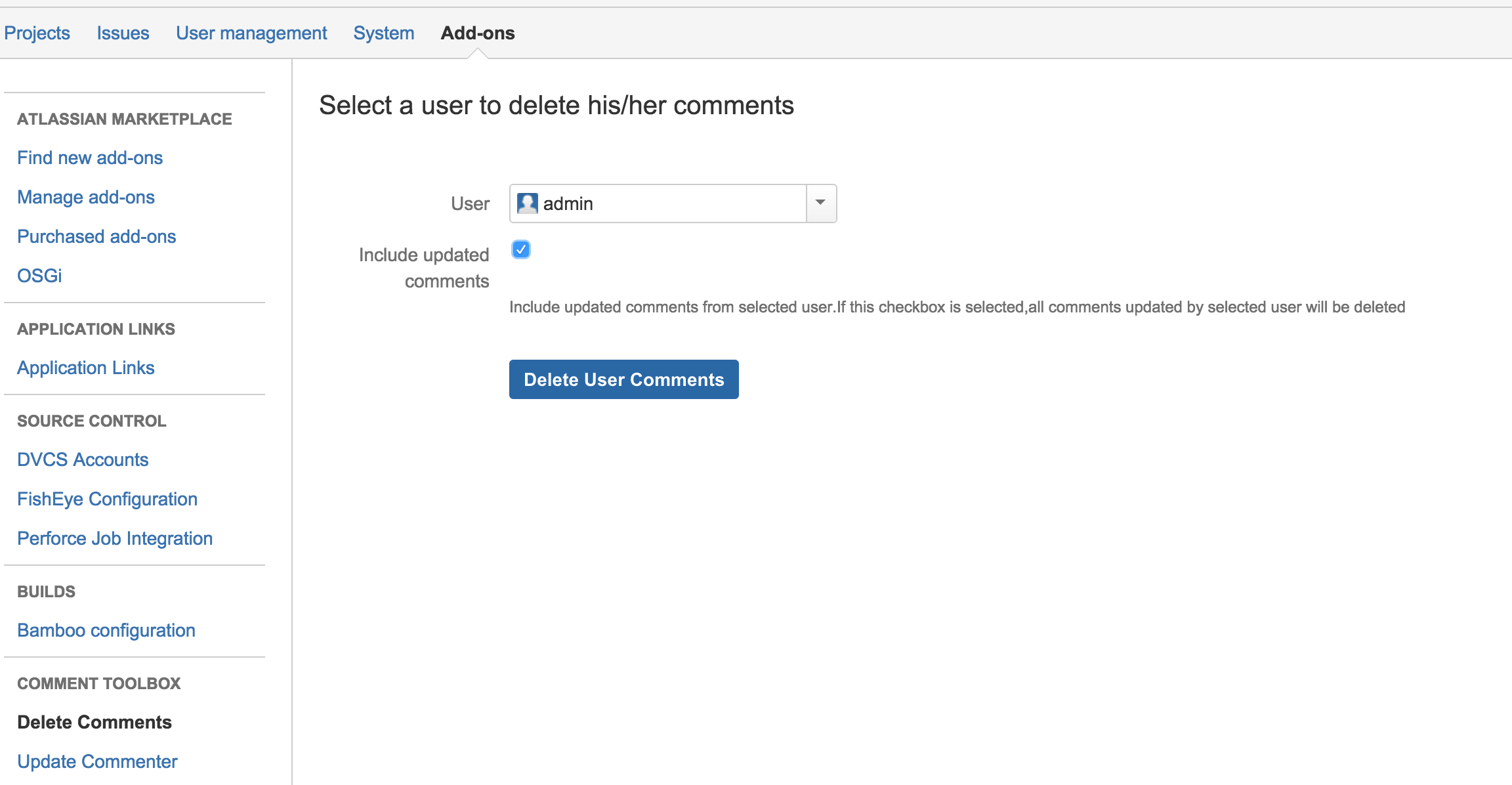
If user selects "Include updated comments", all comments which is updated by selected user also will be deleted.
3. Confirm to delete user comments