Skip to main content
Add Bulk Labels to Nested Content (Cloud)
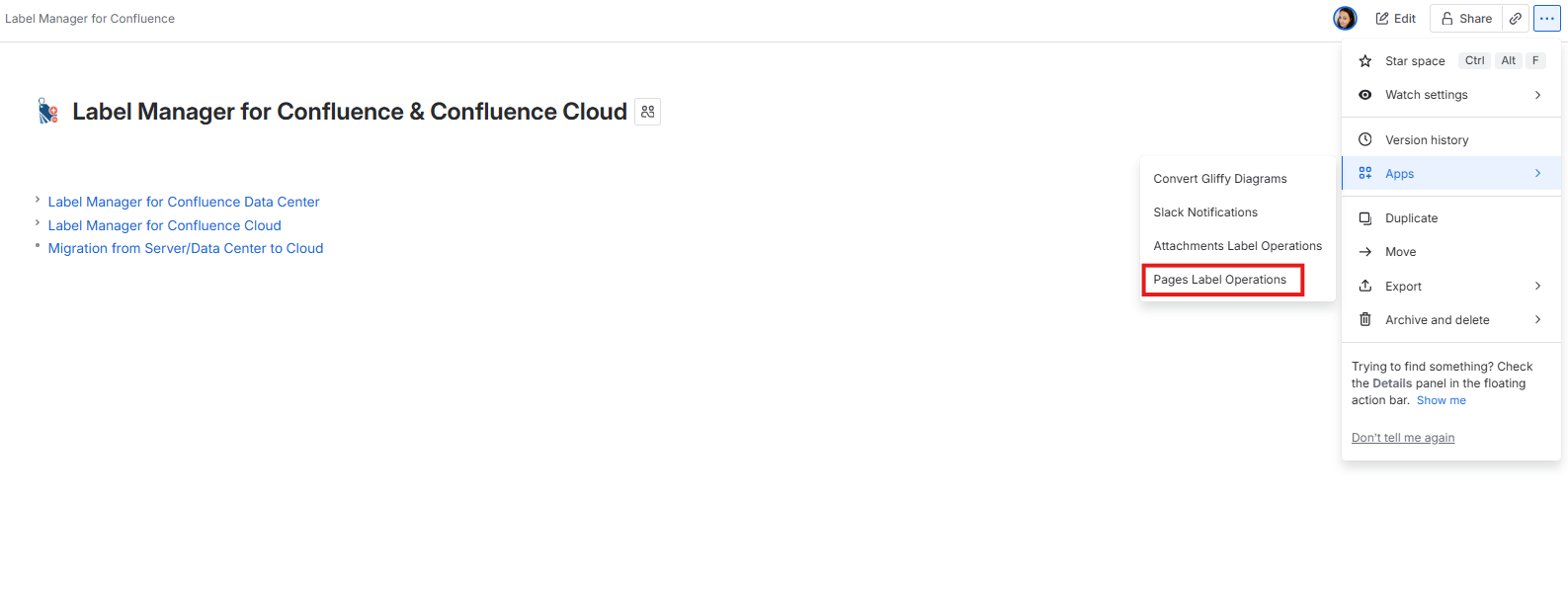
1. In your Confluence space, click ... (More actions) > Apps > Content Label Operations to open the modal
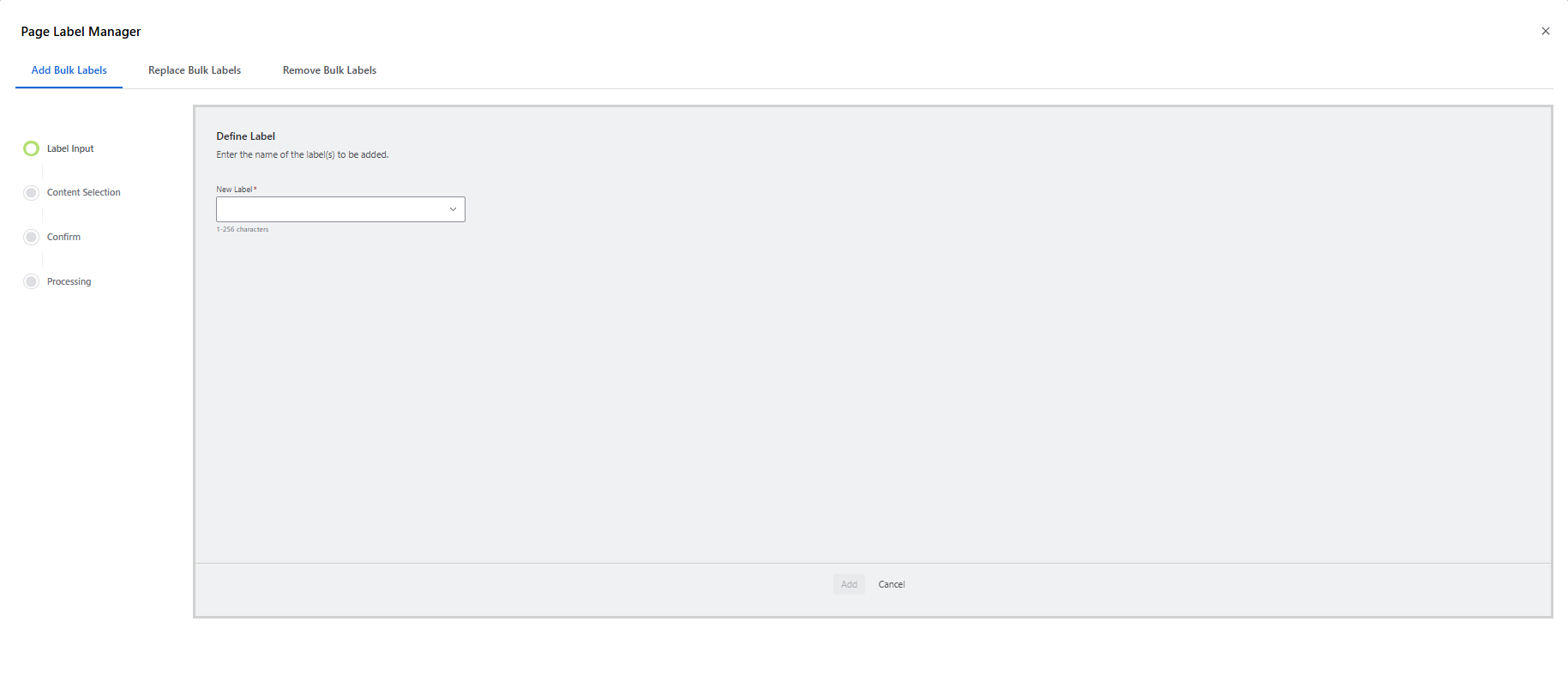
2. In the Content Label Operations modal, click the Add Bulk Labels tab
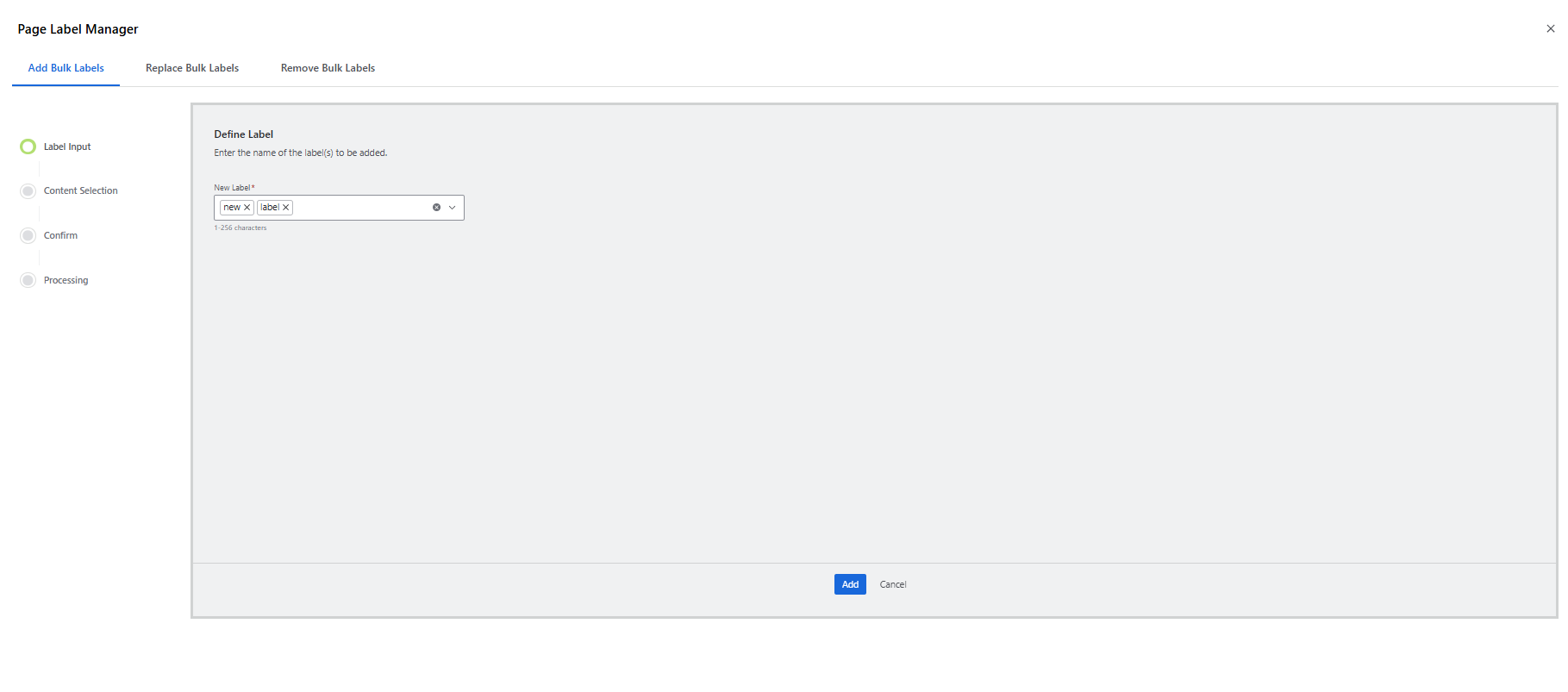
3. Enter the label name in the New Label field (for multiple labels press space for add new)
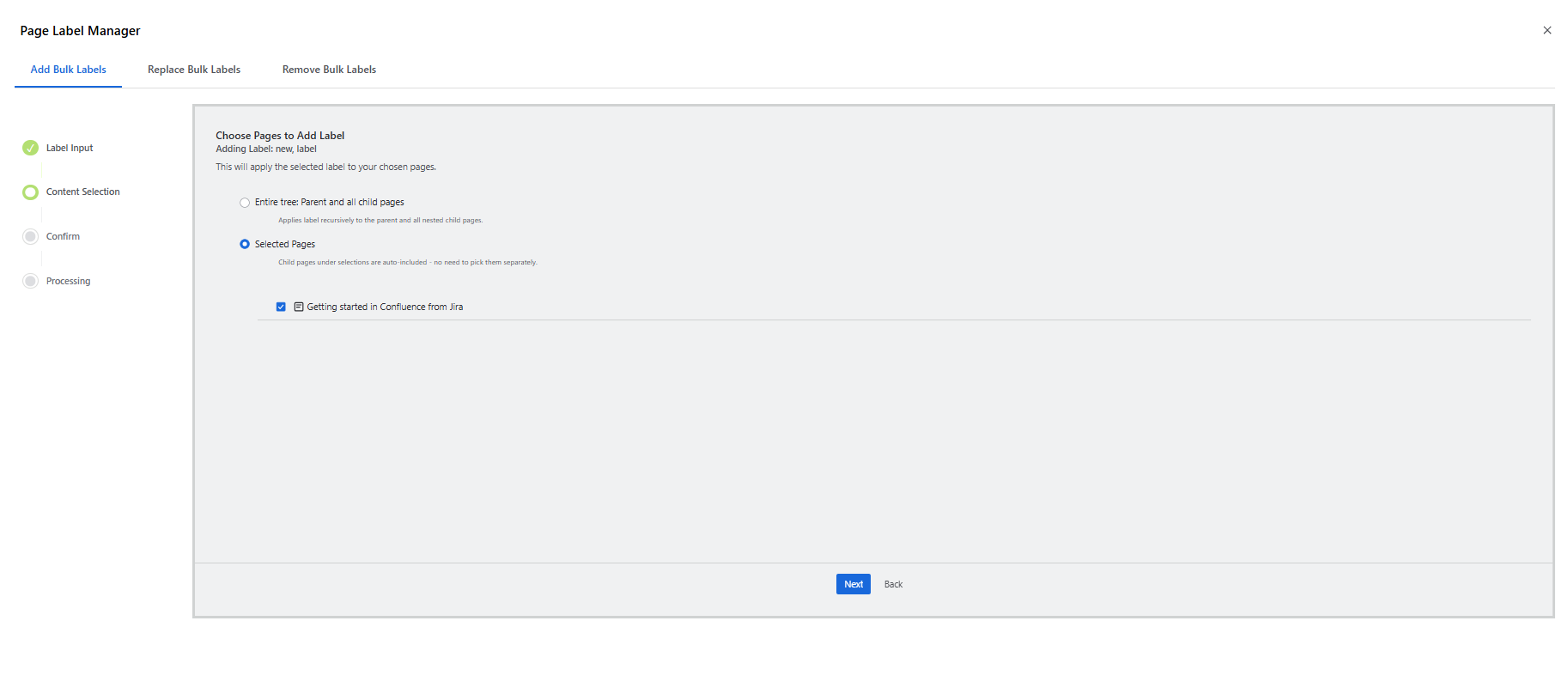
4. Select Entire Tree to label current and all nested content, or Choose Content to pick specific items (nested content is auto-included).
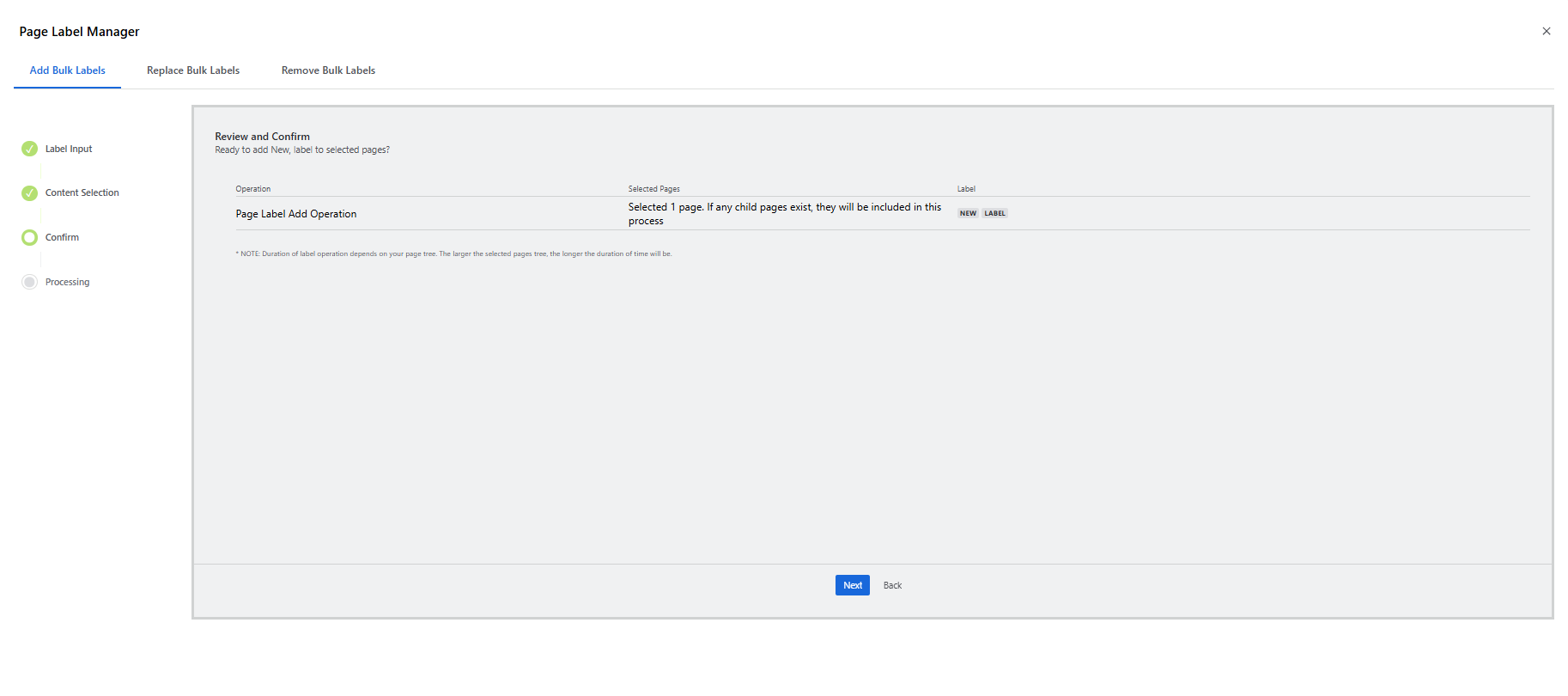
5. Review & Confirm selections
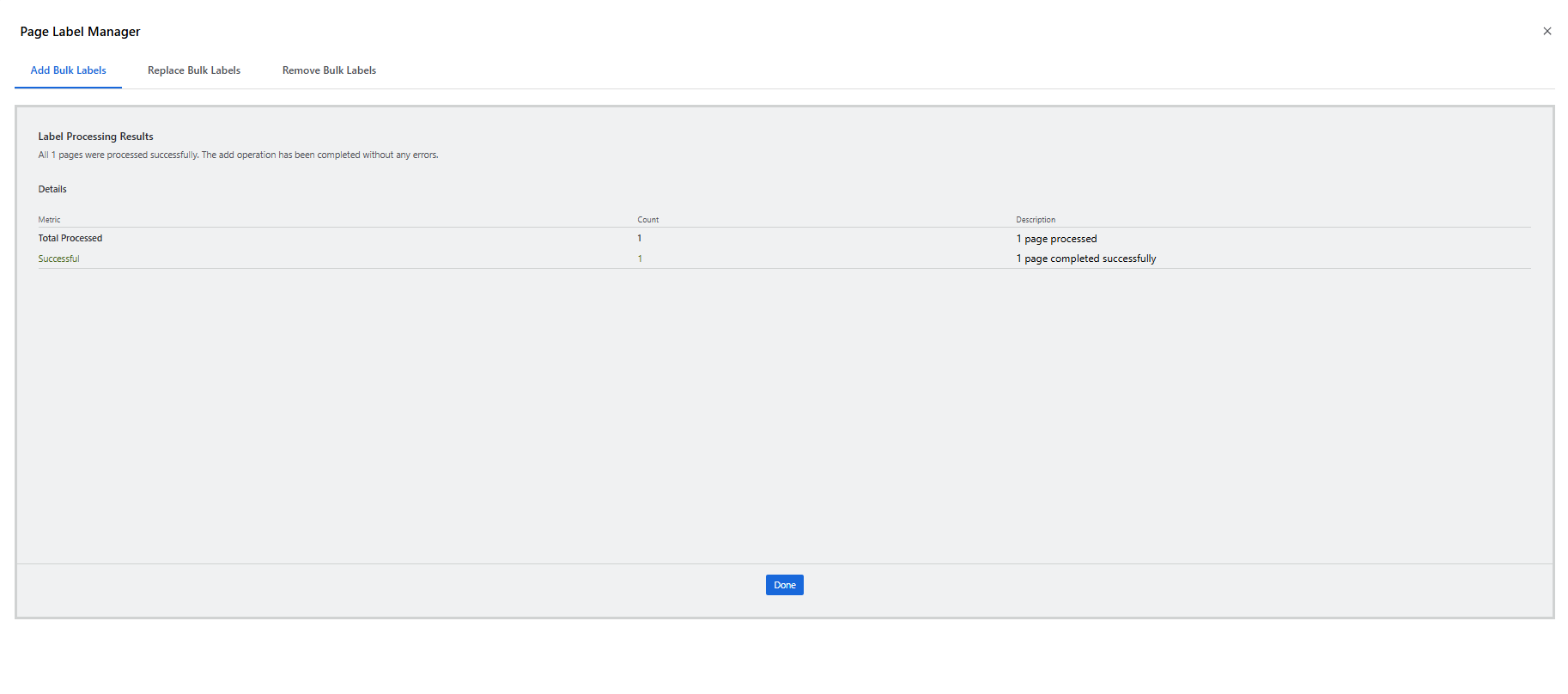
6. Once processing completes, review the results summary for details on labeled content items.