-
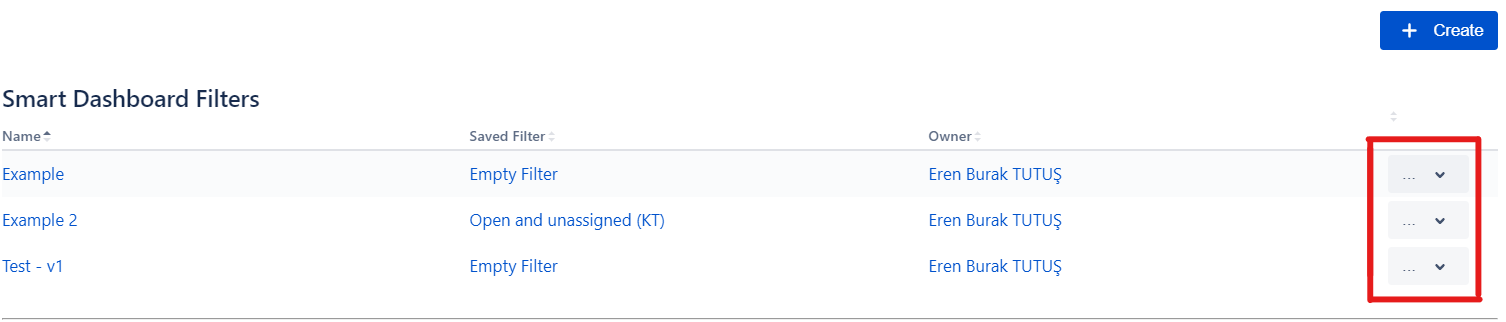
On the Smart Filter Configuration Page screen, click the More Options icon at the right of your screen to Delete.
|
|---|
-
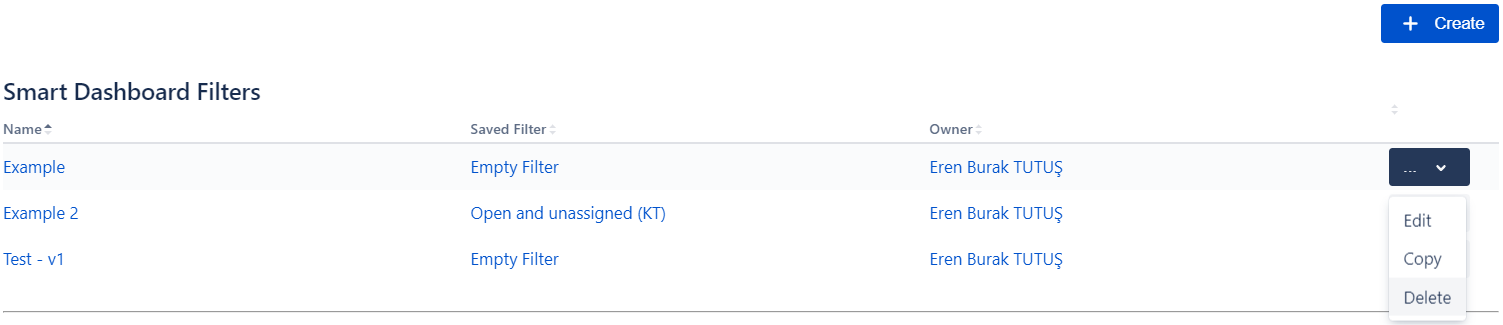
You can select the Delete option from the drop-down menu.
|
|---|

On the Smart Filter Configuration Page screen, click the More Options icon at the right of your screen to Delete.
|
|
|---|
You can select the Delete option from the drop-down menu.
|
|
|---|