Strips specific labels from selected attachments without affecting any other labels on those files.
When to use: Cleaning up deprecated tags from uploaded files; undoing labels applied incorrectly.
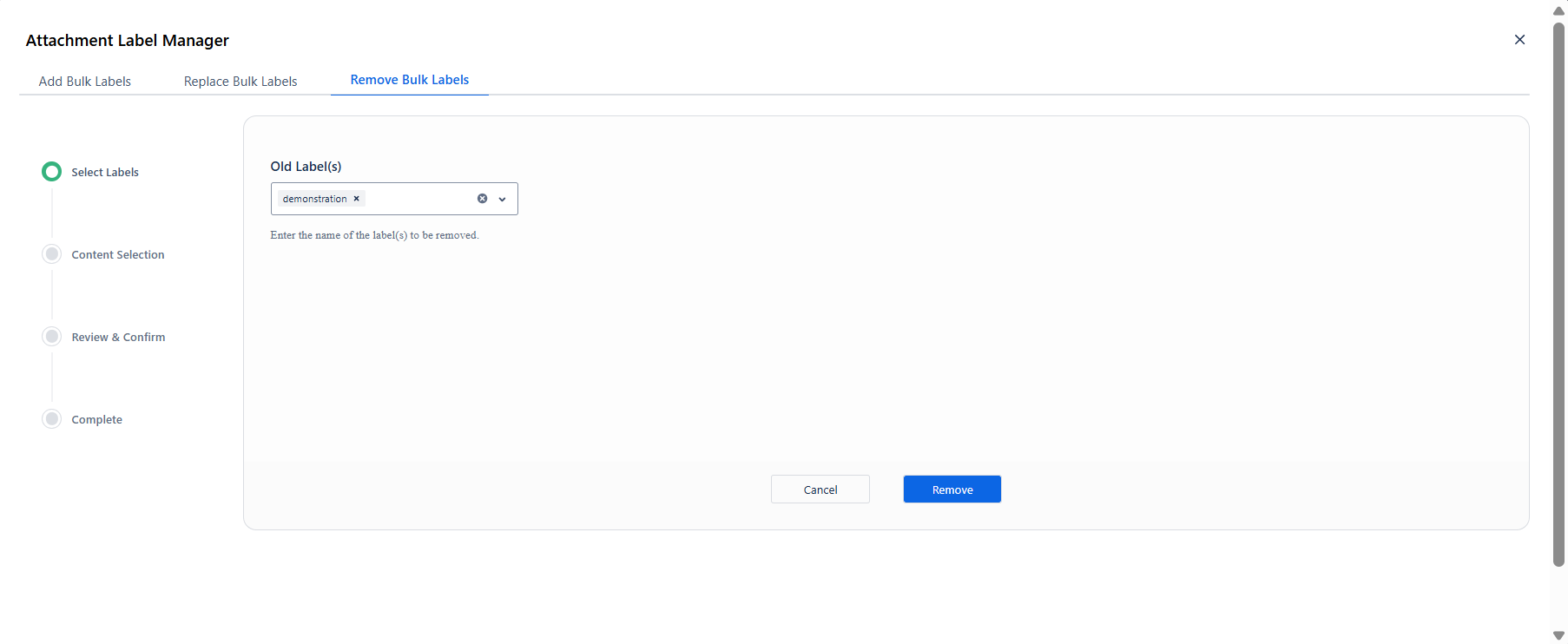
Step 1 - Select Labels
Type the label name(s) to remove in the Old Label(s) field and press Enter to confirm each one. Click Remove to advance.
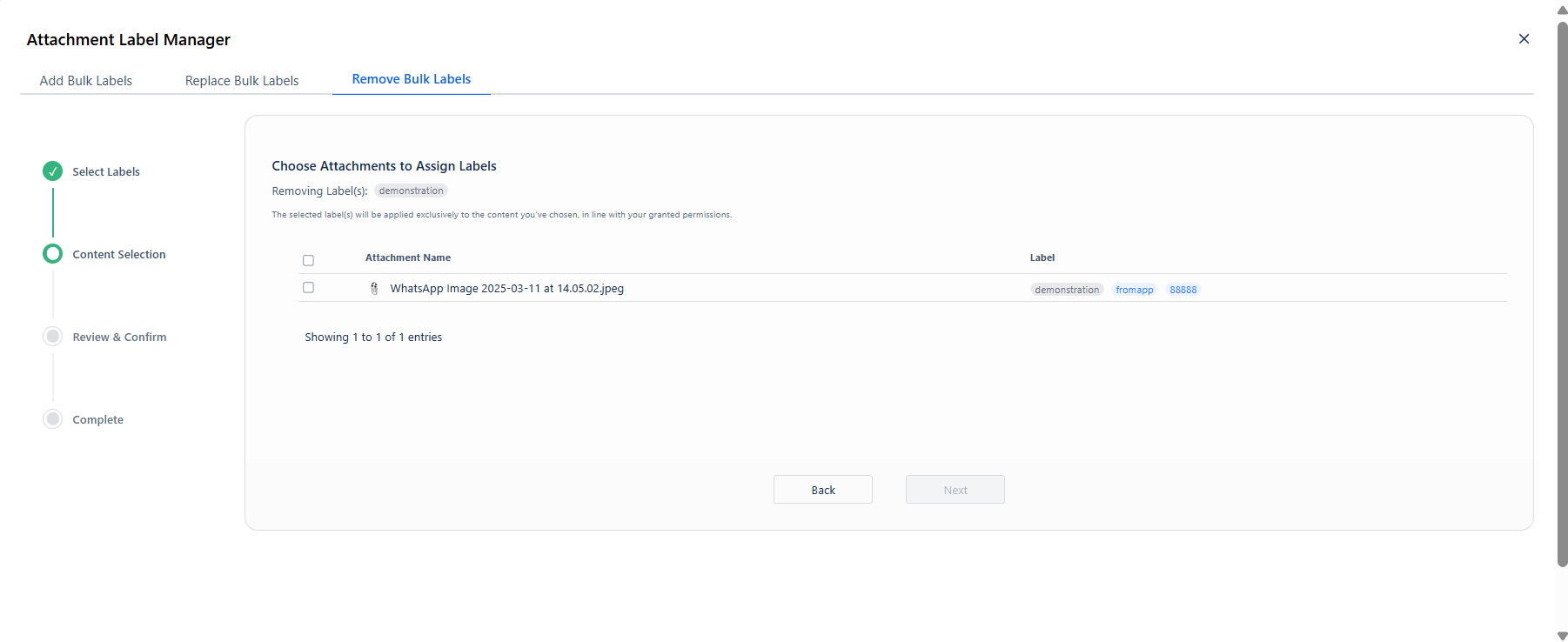
Step 2 - Content Selection
The attachment list shows current labels on each file. The header confirms: Removing Label(s): demonstration
Check each attachment from which the label should be stripped. The Next button activates once at least one attachment is selected.
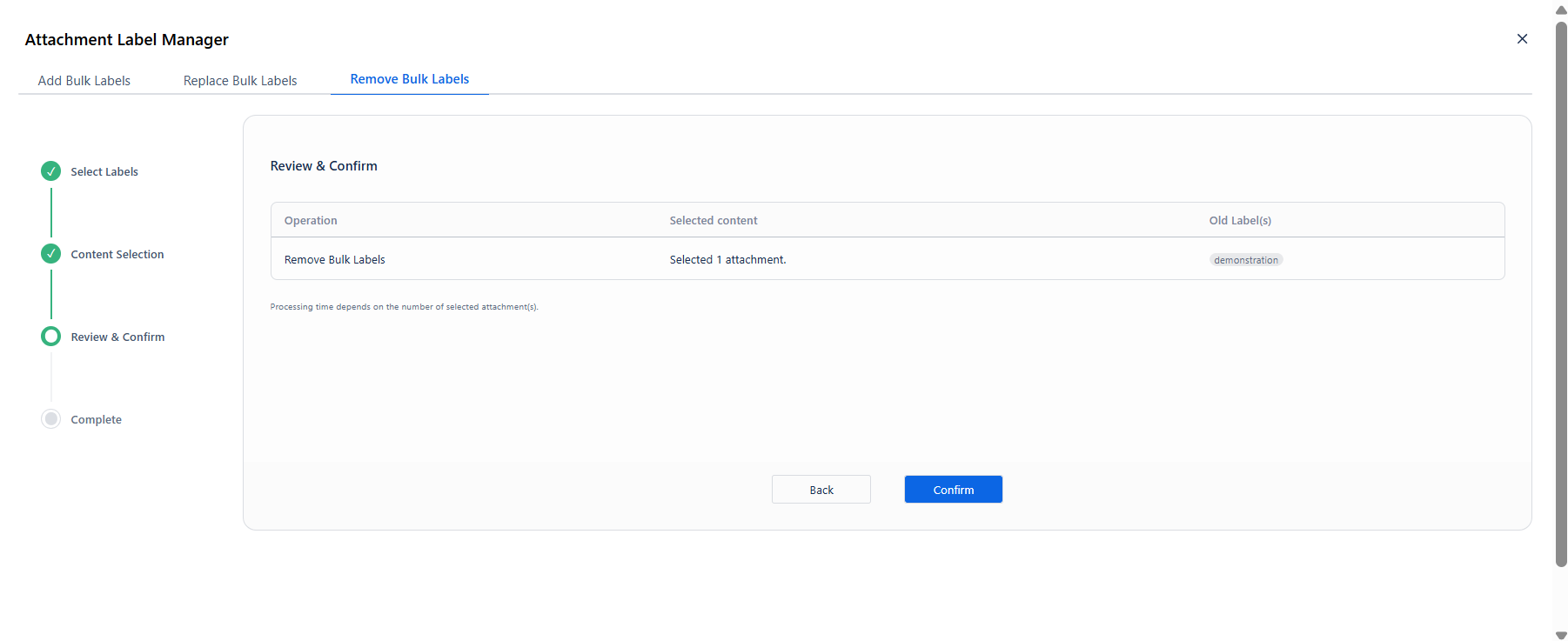
Step 3 - Review & Confirm
|
Column |
What it shows |
|---|---|
|
Operation |
Remove Bulk Labels |
|
Selected content |
Number of attachments in scope |
|
Old Label(s) |
The label(s) being removed |
Click Confirm to start the operation.
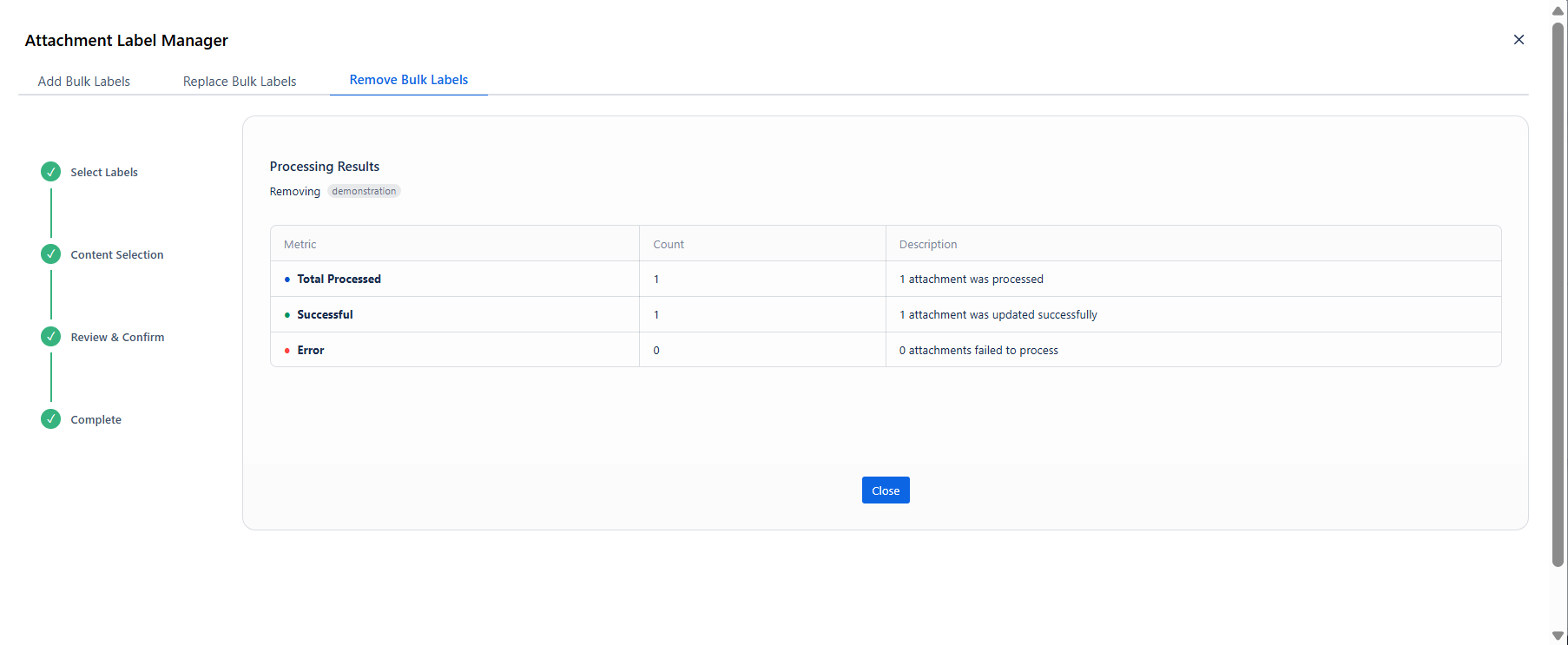
Step 4 - Processing & Results
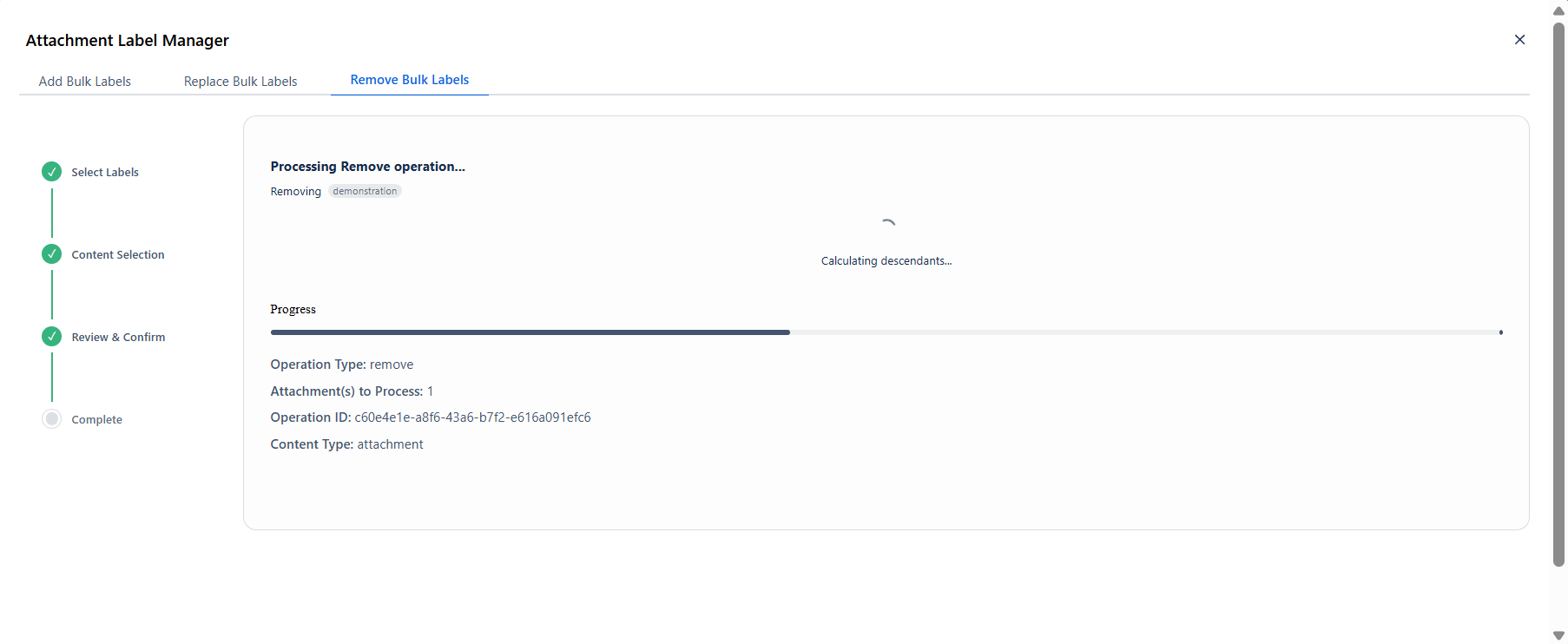
After processing, the results table appears with Total Processed, Successful, and Error counts.