
The Smart Dashboard Filter Results Gadget displays a dynamic table of Jira issues based on your chosen Smart Filter. When connected to a Smart Dashboard Control Gadget, the table updates automatically in real time to display only the issues matching your active filter criteria.
➕ How to Add the Filter Results Gadget
-
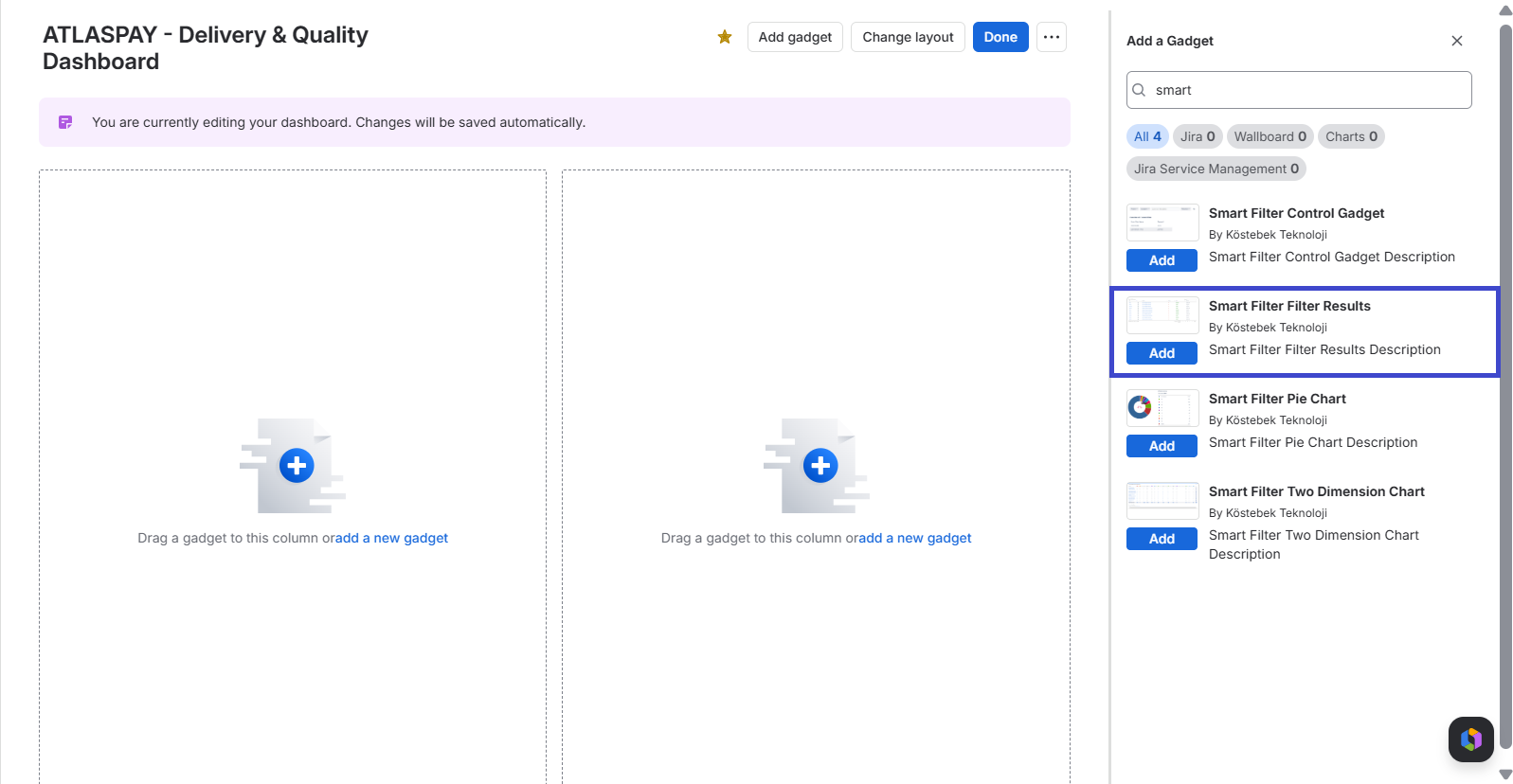
Open your Jira Dashboard and click Edit dashboard, then Add gadget.
-
Search for Smart Filter Filter Results in the gadget panel, then click Add.
-
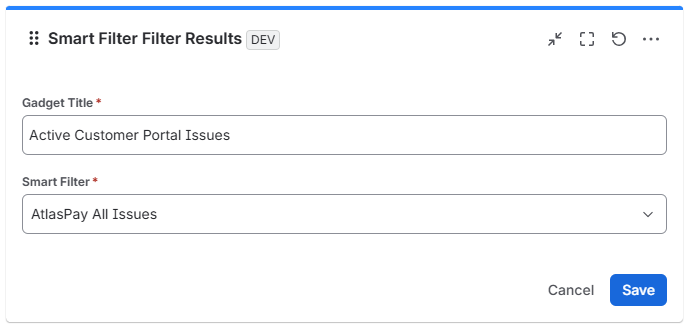
In the gadget configuration, enter a Title and select the pre-created Smart Filter you want to connect.
-
Click Save.
💡 How to Use the Filter Results Gadget
-
Review Work Items: Inspect issue details, assignees, priorities, and statuses directly from your dashboard table.
-
Interactive Filtering: Change selections in the Smart Dashboard Control Gadget on the same dashboard to narrow down or expand the issue list in real time.
-
Direct Issue Access: Click any issue key or summary link inside the gadget table to open and edit the work item in Jira.
Customize which columns appear and change their order by managing the Edit View Screen tab in your Smart Filter settings. (Your Apps ➔ Smart Filter Configure Page).
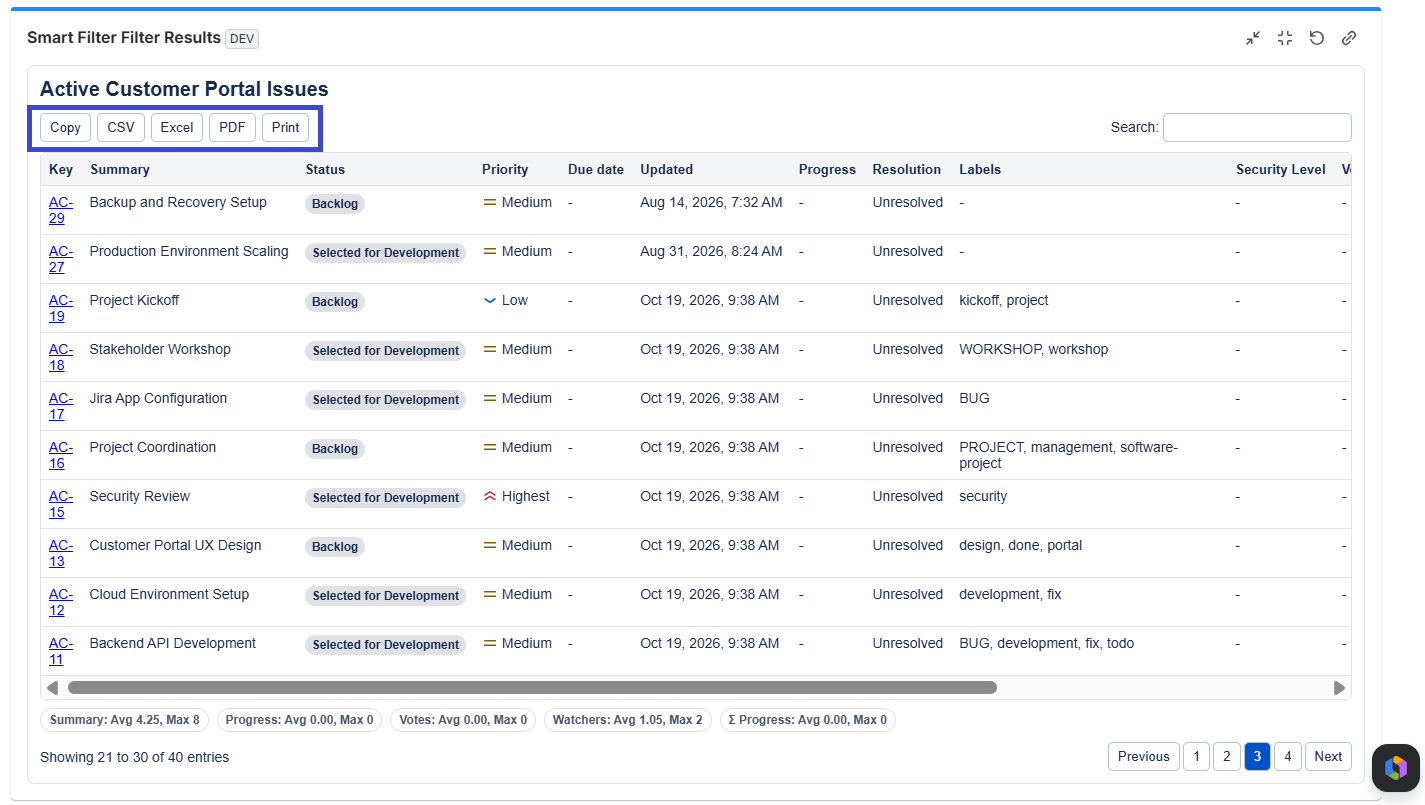
The results list from the filter, after configuration, appears on screen and can be exported in various formats, as shown in the image above.