
1. Delete a Category
1.1. Prerequisites
User must have administrator permissions.
1.2. How to
To Delete a Category in Financials for Jira:
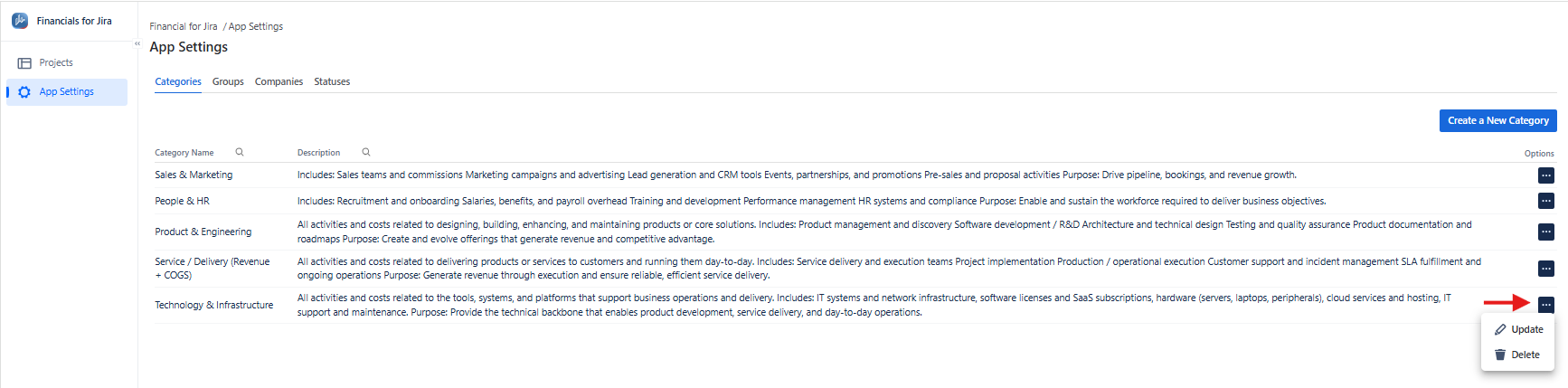
1.2.1. From the left-hand menu, click App Settings.
1.2.2. From the top menu, click Categories to open the list panel.
|
|---|
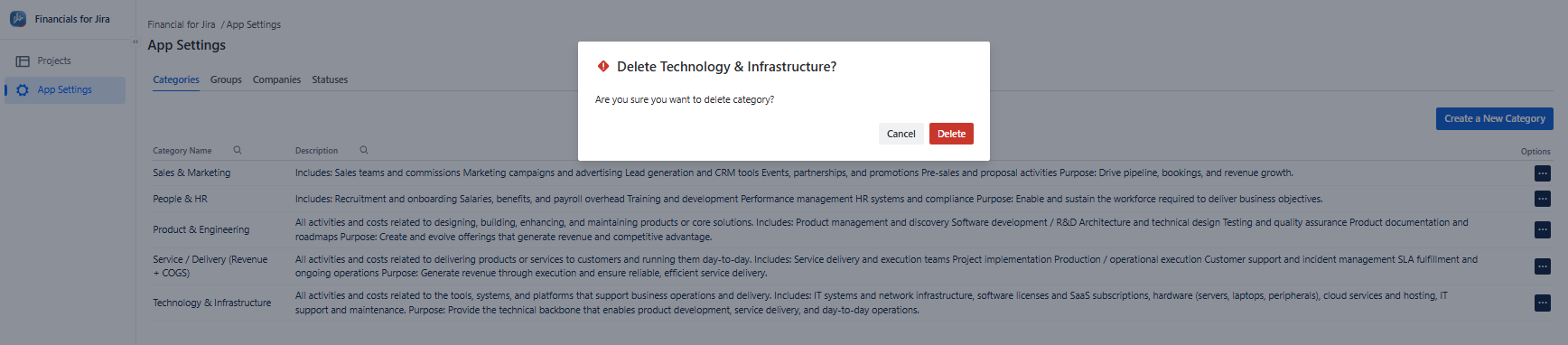
1.2.3. Select the category from the list using the three-dot menu, then click Delete to confirm.
|
|---|
1.3. Constraints
1.3.1. Only users with administrator permissions can delete a category..
1.4. Issues that may arise
1.4.1. If the user lacks admin permissions, an error message will appear.
1.4.2. The category ID is invalid, and an error will be shown.