
1. Delete a Project
1.1. Prerequisites
Admin who has delete permission, deletes a Project.
1.2. How to
To Delete a Project within the Financials for Jira, follow these steps:
1.2.1. Go to the Financials for Jira Page.
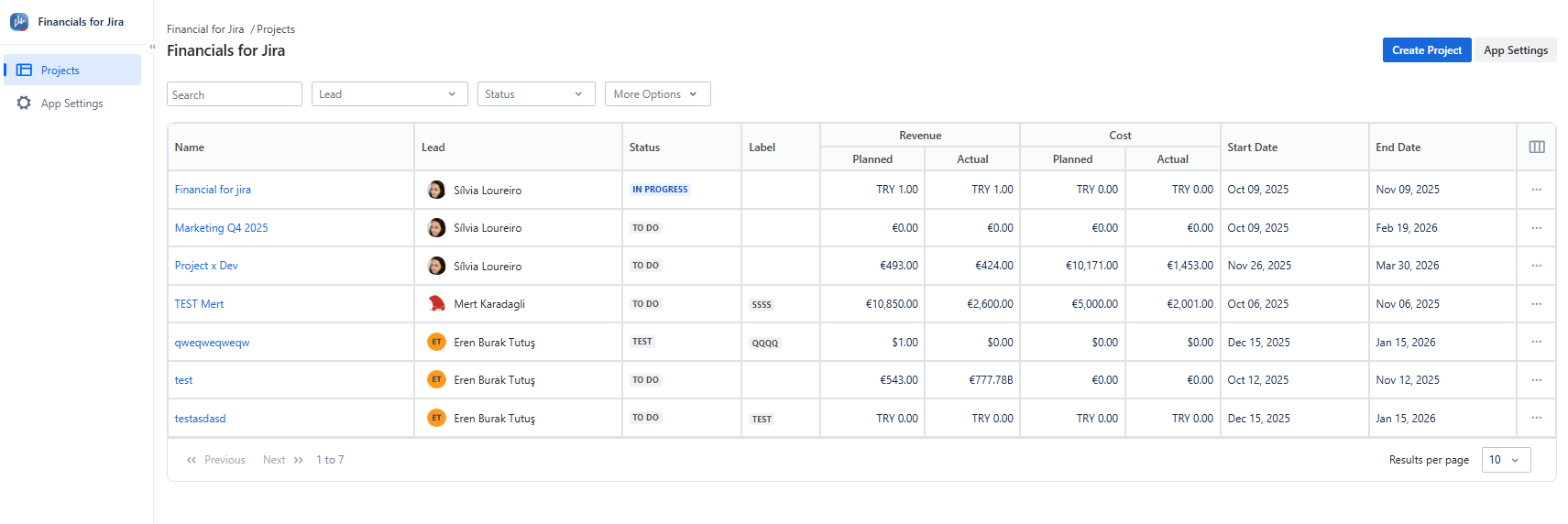
1.2.2. Go to the Projects panel on the left-hand side and select the project you want to update. This action will take you to the overview page.
|
|---|
1.2.2. Once the project is open, click on Settings in the top menu.
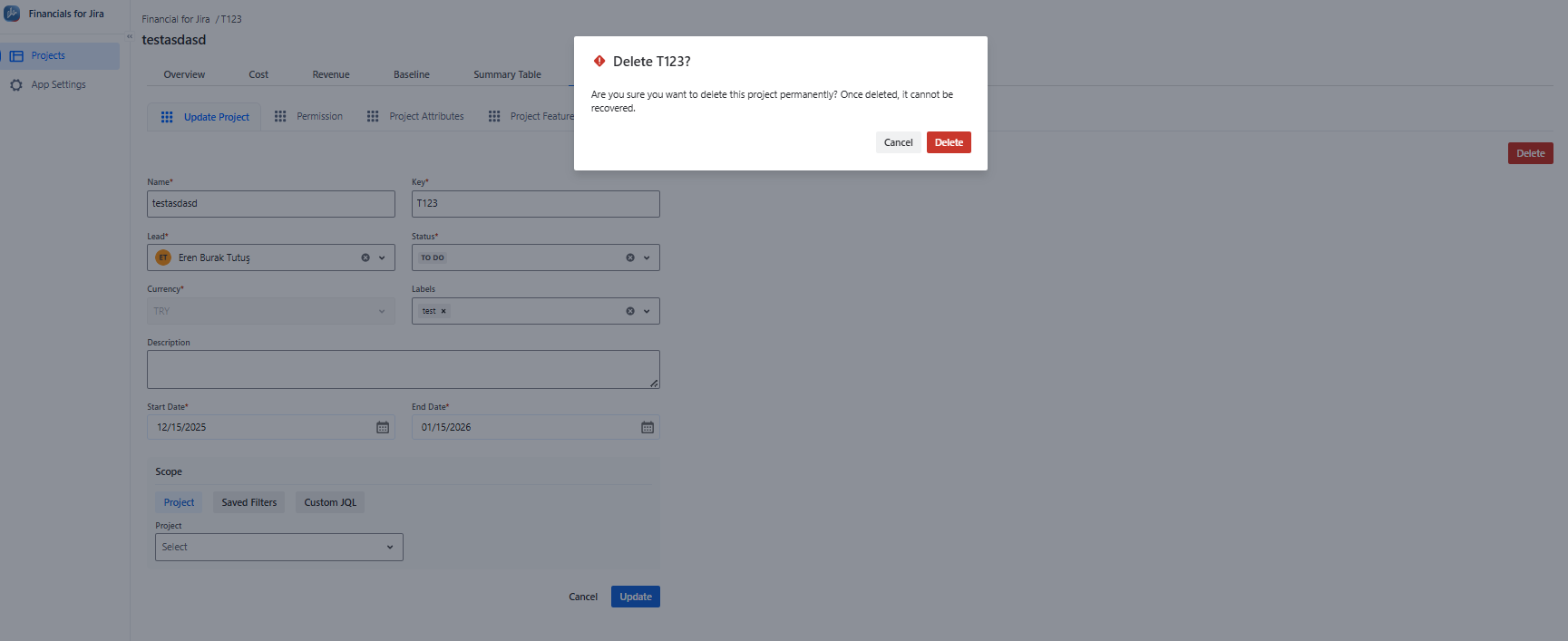
1.2.3. Next, locate and press the "Delete" button.
1.2.4. To confirm the deletion of the Project, click "Delete".
|
|---|
1.3. Constraints
When it comes to deleting Projects, there are a few important considerations.
1.3.1. As a User you couldn't delete the Project because you didn't have the required permission.
1.4. Issues that may arise
When you attempt to delete a Project, there are several potential issues that you might encounter:
1.4.1. If you're a user without the required permission, you won't be able to delete the Project.
1.4.2. Alternatively, as an admin, you may simply choose not to confirm the deletion of the Project.